

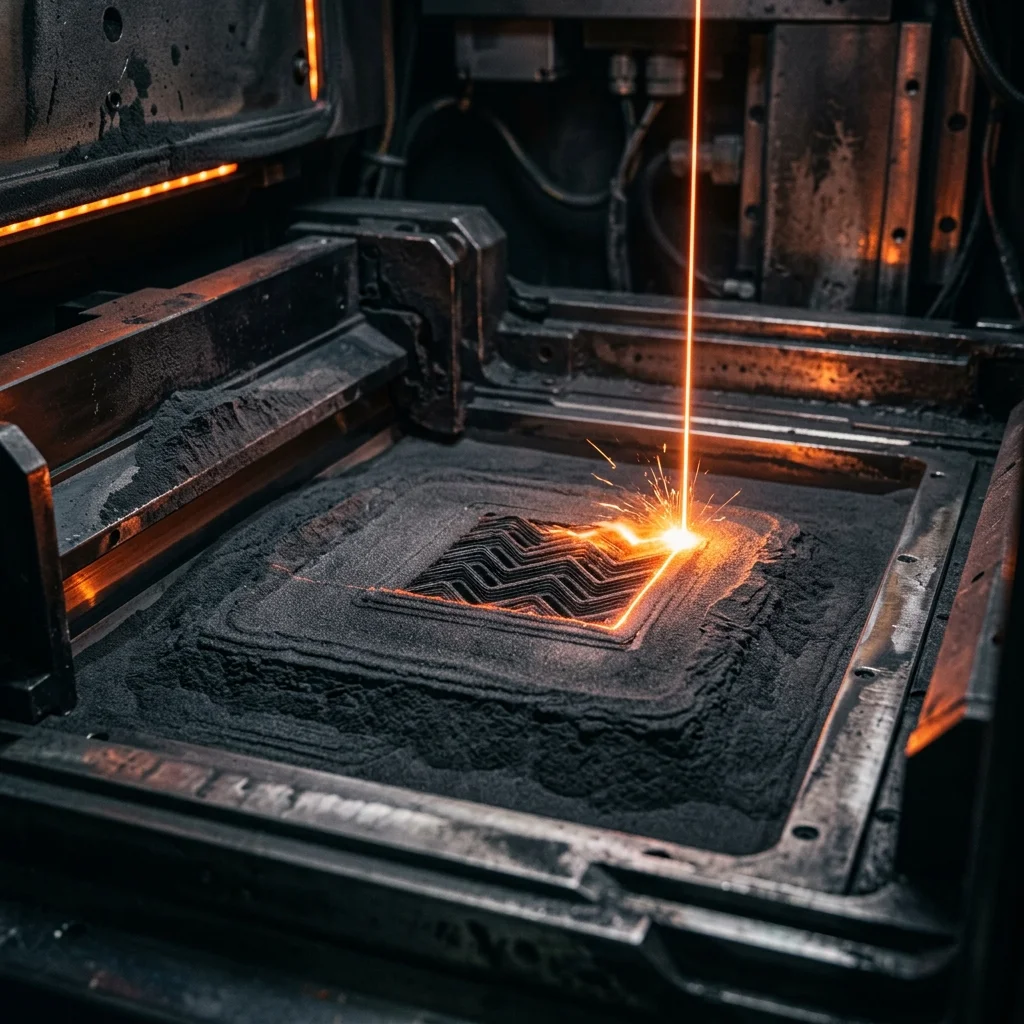
Benchtop SLS is a relatively new category – before 2019, Selective Laser Sintering required industrial machines starting at €100,000. Today, Formlabs Fuse 1+ 30W (€25,000 for the full Sifter and Fuse Blast bundle) and Sintratec S2 (€38,000) are the two most accessible SLS systems on the European market. Both print real Nylon-12 (PA12) without supports, both require sandblasting post-processing, and both work with loose powder. But the philosophy is very different – Fuse 1+ is a closed ecosystem with proprietary materials (Formlabs Nylon 12, TPU 90A, PA11, ESD Resin), while Sintratec S2 is open to third-party powders and offers a larger build volume. This comparison covers which machine fits an engineering prototype studio, a medical lab making surgical guides, or a production-service bureau.
Specs point by point
Price: Fuse 1+ 30W €25,000 for printer + Sifter (powder sieving station) + Fuse Blast (sandblast cleaning chamber). Sintratec S2 €38,000 for printer + powder preparation station + cooling chamber. Fuse 1+ is €13,000 cheaper.
Build volume: Fuse 1+ 165×165×300 mm = 8 liters vertical box. Sintratec S2 160×160×500 mm = 12 liters. Sintratec has 1.5× the volume, with the same width.
Laser: Fuse 1+ – 30W fiber laser, new version with 50% more power than the original Fuse 1. Sintratec S2 – 2× 30W diode lasers. Both print at similar speeds; Sintratec saves a little time between layer transitions.
XY resolution: Fuse 1+ 100 µm (laser spot). Sintratec S2 90 µm. Tied – both print details down to ~0.5 mm.
Layer thickness: 100-150 µm for both. You cannot go below 100 µm on SLS – powder physics constrains it.
Materials: Fuse 1+ works ONLY with Formlabs powders – Nylon 12 (€100/kg fresh + €30/kg recycled), Nylon 12 GF (with glass fiber), TPU 90A, Nylon 11, ESD Safe. Sintratec S2 works with Sintratec PA12 (€90/kg) + certified third-party powders (BASF Ultrasint, Evonik Vestosint). Sintratec wins on material flexibility.
Powder recycling: Fuse 1+ automatically blends fresh + recycled powder in the Sifter at a recommended 30/70 ratio. Sintratec S2 uses a manual sieving process. Fuse 1+ is more automated.
Print quality and packing density
Both machines print at similar accuracy – a 50 mm part comes out with ±0.3 mm tolerance, which is acceptable for functional prototypes, robot end-effectors, hinge mechanisms, and complex geometries with internal cavities.
Key advantage of SLS over FDM and SLA: supports are not needed. The powder around the part holds overhangs naturally. That means you can print 50-100 parts in a single build chamber, packing the 3D volume efficiently. This is called ‘packing density’ and is critical to production SLS use.
Fuse 1+ packing density: ~10-12% of volume (routine production settings). One full build chamber fits ~80-100 small parts. Print time: 36-48 hours.
Sintratec S2 packing density: ~12-15%. The larger vertical zone allows taller stacks. One build chamber fits ~120-150 small parts. Print time: 48-60 hours.
Post-print surface: both deliver a ‘grainy’ result before processing. After sandblasting (Fuse Blast or manual blast cabinet), the surface is matte and accepts water-based paint. For a smooth finish, additional processing is needed – vibratory tumbling, chemical smoothing, or manual sanding.
Part density: ~95% of injection-molded PA12 density. That translates to tensile strength of 45-50 MPa (close to injection-molded PA12 at 60 MPa) and impact resistance at 95% of molded.
End-to-end workflow and time from order to delivery
The real SLS test isn’t the spec sheet – it’s how fast and smoothly the full cycle from CAD to finished part runs.
Fuse 1+ workflow (typical day):
- CAD prep and load into PreForm: 30 minutes
- Print: 36 hours (average build)
- Cool-down: 24 hours (CRITICAL – hot powder cannot be removed; it stays in the build chamber)
- Removal and pre-cleaning in Sifter: 30 minutes
- Sandblasting in Fuse Blast: 15 minutes per part for full cleaning Total time from CAD to finished part: ~70 hours for a chain of 50 parts.
Sintratec S2 workflow:
- CAD prep: 30 minutes
- Print: 48 hours
- Cool-down: 24 hours
- Manual removal and sieving: 60-90 minutes (manual brushing + sieve)
- Sandblasting: 15 minutes per part Total: ~85 hours for the same volume.
Fuse 1+ has a slightly shorter cycle thanks to the automated Sifter. Sintratec S2 requires a bit more manual labor.
For a small engineering studio (10-20 parts/week): both printers will run at full capacity. For a mid-size bureau (50+ parts/week), we recommend two printers in parallel or one of either with a third-shift operator.
Biocompatibility and regulatory readiness
For medical and dental applications, Fuse 1+ has a significant edge – Formlabs offers certified powders for surgical guides (Nylon 12 White, EU MDR Class I), intra-oral guides, orthopedic splints.
Sintratec S2 supports PA12 without official MDR certification. For patient-facing applications in the EU (regulated medical-device territory), you’ll need to do your own material and process validation – that takes 6-12 months and costs €15,000-€30,000.
For industrial applications (automotive prototypes, aerospace EOAT, tooling and fixtures, consumer goods) – both printers are equivalent and don’t require certification.
For ESD-safe applications (electronic enclosures, antistatic clean-room jigs) – Fuse 1+ offers a certified ESD Safe powder with ESD characteristics of 10^6-10^9 Ω. Sintratec does not offer a certified ESD solution as of 2026.
For flexible applications (wearables, custom cosmetics, footwear) – both printers accept TPU powder, but Formlabs TPU 90A has wider production adoption for boots and gasket rings.
Verdict by application
Small engineering studio for low-volume prototypes (1-5 parts/week): Fuse 1+ 30W. Cheaper, more automated, amortizes over 3-5 years.
Dental and medical lab for surgical guides: Fuse 1+ 30W. Only Formlabs offers certified powders ready for European MDR clearance.
Production-service bureau for serial SLS production (20+ parts/week): Sintratec S2. Larger packing density, open material choice, lower cost per kilogram when using BASF/Evonik powders.
Aerospace or automotive prototyping: Sintratec S2. Larger zone for big EOAT and tooling.
Educational institution (technical university): Sintratec S2. Open material choice enables student experimentation and flexibility for in-house R&D material development.
First SLS printer for a company without SLS experience: Fuse 1+ 30W. Shallower learning curve, better European Formlabs distributor support, lower risk of first-year failure.
Frequently Asked Questions (FAQ)
Formlabs Fuse 1+ 30W Vs Sintratec S2 – Sls Comparison Calculator
Interactive optimization calculator.
The full picture
This article is one page from The Big Book of 3D Printing: 704 illustrated pages covering every technology, material and fix in one reference.
Read it on Kindle →Engineer, author of The Big Book of 3D Printing and additive manufacturing expert