

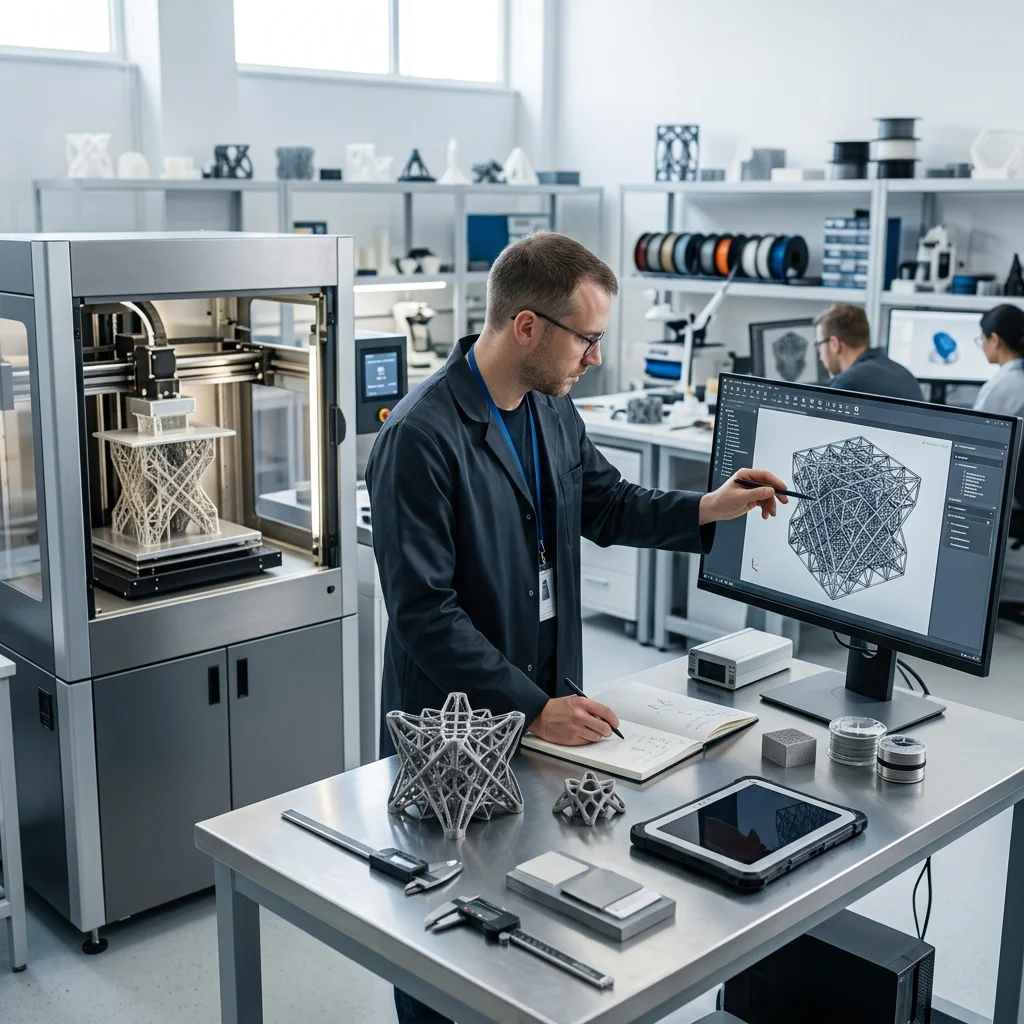
The leap from imagination to a physical object has never been shorter. For years, the 3D printing community watched AI advancements with a mix of excitement and skepticism. Early text-to-3D models were often messy, non-manifold nightmares that required hours of manual cleanup in Blender or MeshMixer. But in 2026, the paradigm has shifted. AI is no longer just generating digital approximations; it is outputting print-ready, optimized geometry.
Today, AI-generated 3D models are a viable, everyday tool for makers, engineers, and designers. Whether you are generating highly detailed organic miniatures or structurally sound, dimensionally accurate mechanical brackets, the new generation of AI tools understands the physical constraints of FDM and Resin 3D printing. We are moving past the novelty phase and entering an era of true AI-assisted manufacturing.
The Technology Shift: How AI Learned to Print
The rapid improvement in AI-generated 3D models stems from a fundamental shift in how the AI understands space and volume. Earlier models relied heavily on Neural Radiance Fields (NeRFs) and point clouds, which are excellent for visual rendering but terrible for physical fabrication. A 3D printer needs a watertight, manifold surface: not a cloud of colored pixels.
Modern AI 3D generators leverage advanced mesh generation and 3D Gaussian Splatting combined with surface reconstruction algorithms. More importantly, tools designed for 3D printing are now trained on actual STL, 3MF, and STEP datasets. They understand the necessity of continuous topology, appropriate wall thickness, and planar bases for bed adhesion. This means the AI doesn't just know what an object looks like; it understands its physical envelope.
Top AI 3D Generators for 3D Printing in 2026
Choosing the right AI tool depends entirely on your project's requirements. Here are the main platforms:
**Meshy:** Widely considered the best all-around tool for makers. It excels in image-to-3D workflows and boasts smooth integration directly into popular slicers like Bambu Studio, Cura, and OrcaSlicer, allowing direct export in 3MF formats.
**Tripo AI:** If iteration speed is your priority, Tripo AI delivers. It can generate models in under 10 seconds with impressively clean, quad-based topology. This clean mesh structure drastically reduces the time spent on post-processing.
**Rodin (Hyper3D):** The go-to for high-fidelity organic models, characters, and tabletop miniatures. It prioritizes intricate detailing and aesthetic quality, making it a favorite among resin printing enthusiasts.
**Hunyuan3D:** For developers and power users, this open-source model allows local deployment. It ensures complete privacy and zero subscription costs, provided you have the GPU horsepower to run it.
**PrintMakerAI:** The outlier and perhaps the most important tool for engineers. Unlike mesh-based generators, PrintMakerAI focuses on functional parts using parametric CAD approaches. It outputs dimensionally accurate, solid geometry (STEP files) suitable for brackets, mechanical assemblies, and precise fitment.
The 2026 Workflow: From Prompt to Print
Despite the advancements, a raw AI output rarely goes straight to the printer without a quick check. The modern 'prompt-to-print' workflow ensures success:
**1. Image over Text:** Start with an Image-to-3D generation rather than Text-to-3D. Providing the AI with a clear visual reference yields vastly more accurate proportions and printable geometry.
**2. Validate and Repair:** Even top-tier AI models can occasionally produce non-manifold geometry or internal intersecting faces. Pass the generated mesh through slicer-integrated repair features (like Windows 3D Builder algorithms embedded in PrusaSlicer) to guarantee a watertight mesh.
**3. Printability Check:** Inspect the model for a flat base. Many AI models generate with rounded bottoms that will warp or detach from the build plate. Use your slicer's 'Cut' tool to create a perfectly flat bottom surface. Check for overly thin elements that might fail under extrusion.
**4. Slice and Print:** Utilize tree supports (or organic supports) for complex AI-generated overhangs, and slice the model.
The Crucial Distinction: Mesh AI vs. Parametric CAD AI
The biggest pitfall for beginners is using the wrong type of AI for their project. You must differentiate between Mesh AI and Parametric AI.
**Mesh AI (Meshy, Tripo, Rodin):** These tools generate surface representations made of thousands of triangles. They are strictly for organic shapes: figurines, terrain, masks, and artistic sculptures. You cannot easily modify a specific hole diameter or alter a precise angle on these models.
**Parametric/CAD AI (PrintMakerAI):** These tools generate mathematical solid geometry. If you need a replacement gear, an electronics enclosure, or a mount for a motor, you must use a CAD-focused AI. These tools allow you to export STEP files, which you can then import into Fusion 360, SolidWorks, or FreeCAD to tweak exact dimensions. For a standard gear you do not need AI: the free Gear Generator gives STL, SVG and DXF from the module and tooth count. If the AI only gave you a mesh (STL), STL to STEP turns it into a STEP file for your CAD software.
Conclusion
AI-generated 3D models are the ultimate 'pickaxe and shovel' for the modern maker. They democratize the creation process, allowing anyone to bring their ideas into the physical world without needing a decade of 3D modeling experience. However, AI does not replace the engineer's logic. Understanding design intent, selecting the right generation tool, and applying foundational 3D printing knowledge remains critical. By combining the rapid ideation of AI with sound manufacturing principles, EduFacturing enables you to build the future, one layer at a time.
The full picture
This article is one page from The Big Book of 3D Printing: 704 illustrated pages covering every technology, material and fix in one reference.
Read it on Kindle →Engineer, author of The Big Book of 3D Printing and additive manufacturing expert