
How do I get access?
Yes, up to 5 materials in your personal base. With a subscription - unlimited materials and export.
Your personal library - every filament, resin, or powder you've used
Remember how you tuned PrusaSlicer for Polymaker PolyMide PA6-CF? What temperature? What retraction? Six months later - you don't. This database lets you save every material you've ever used - manufacturer, color, price, rating, print settings, notes. Later, when you start a new project, open the database and see exactly what worked. CRUD functionality - add, edit, delete records. Filters by material type (PLA, ABS, PETG, nylon, PC, ASA, PEEK, resin, PA12, Ti6Al4V, 316L, custom) and by manufacturer.
Available with the Pro plan (15 EUR per month). The printed book includes 3 months of Pro. Also includes an unlimited material database.
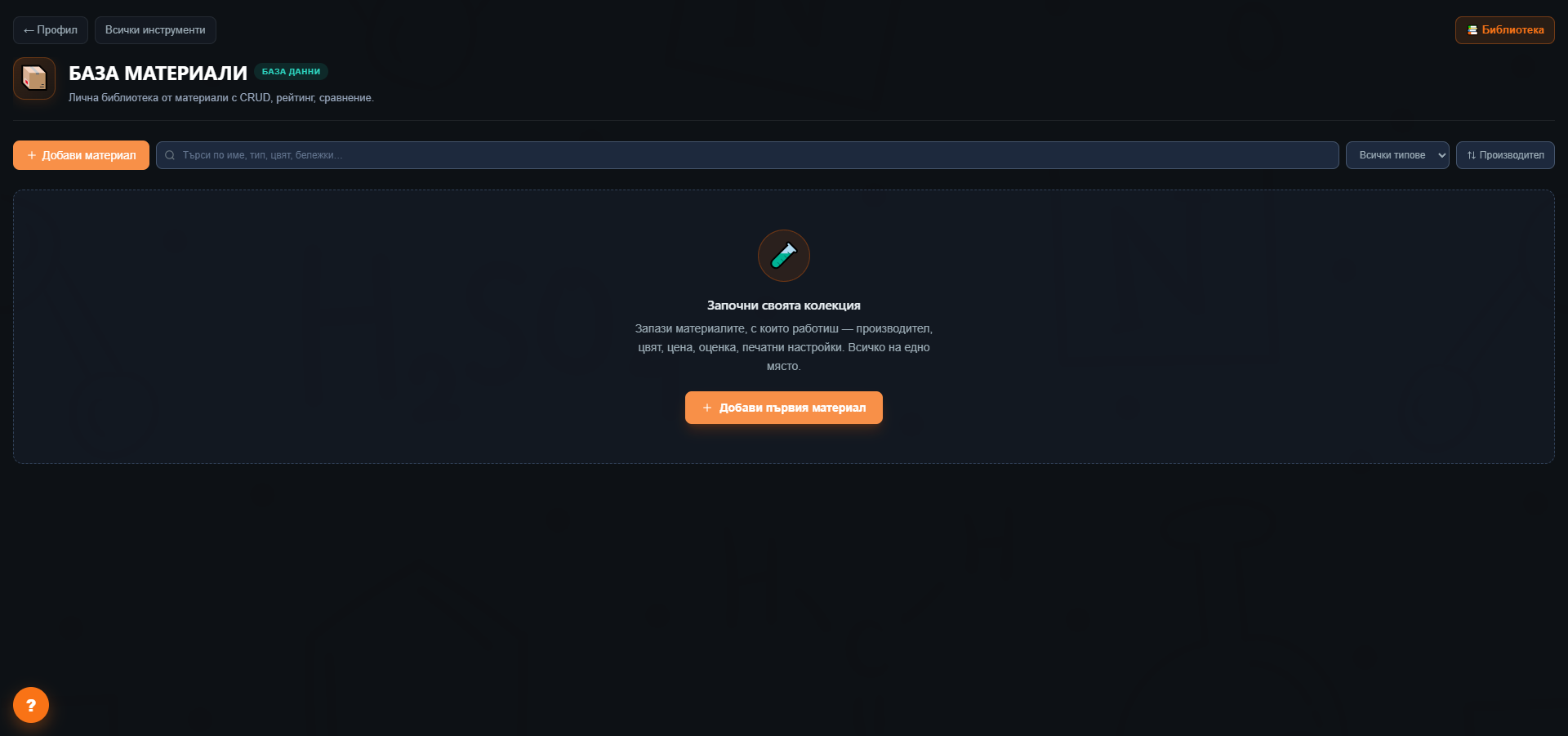
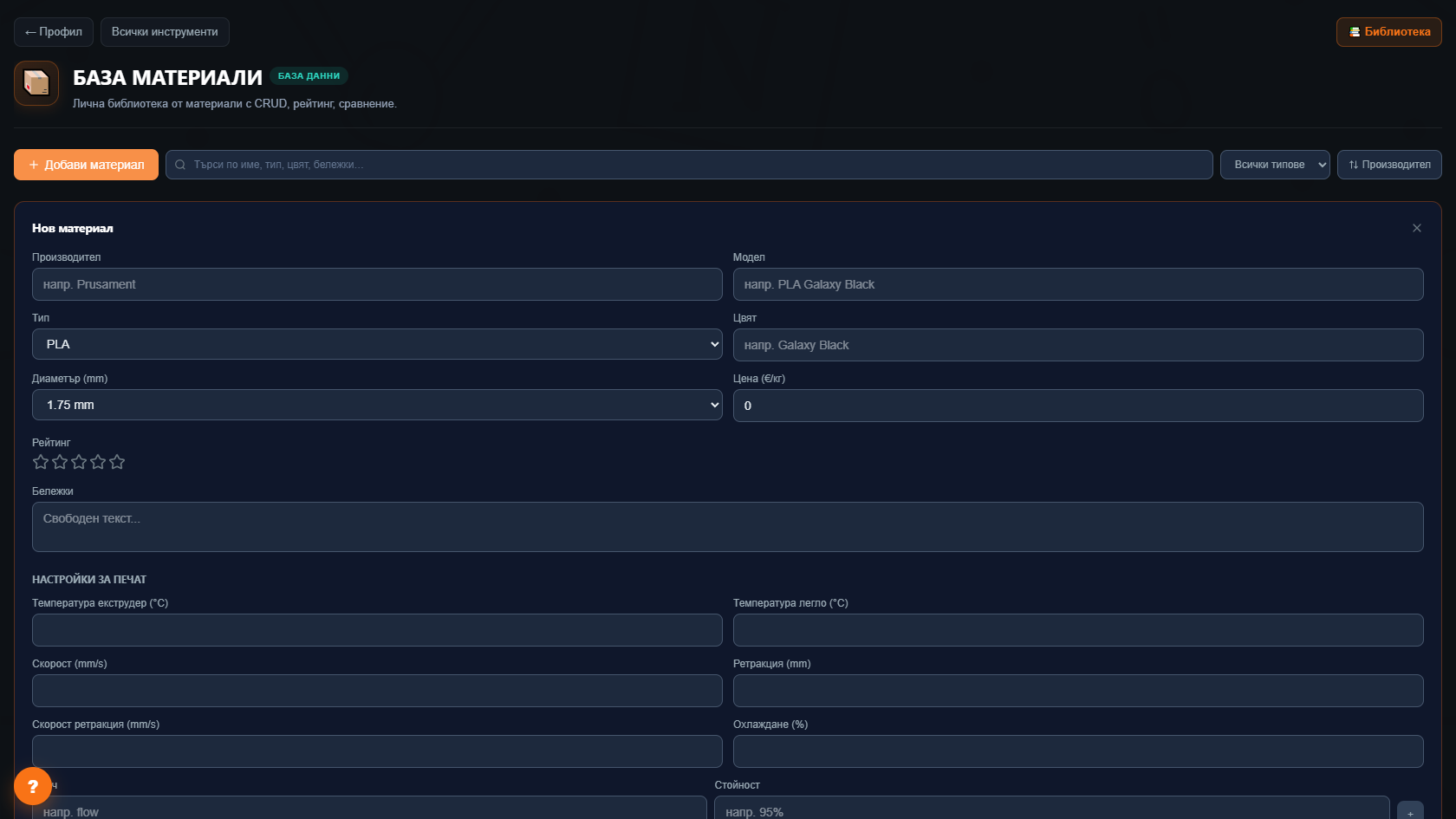
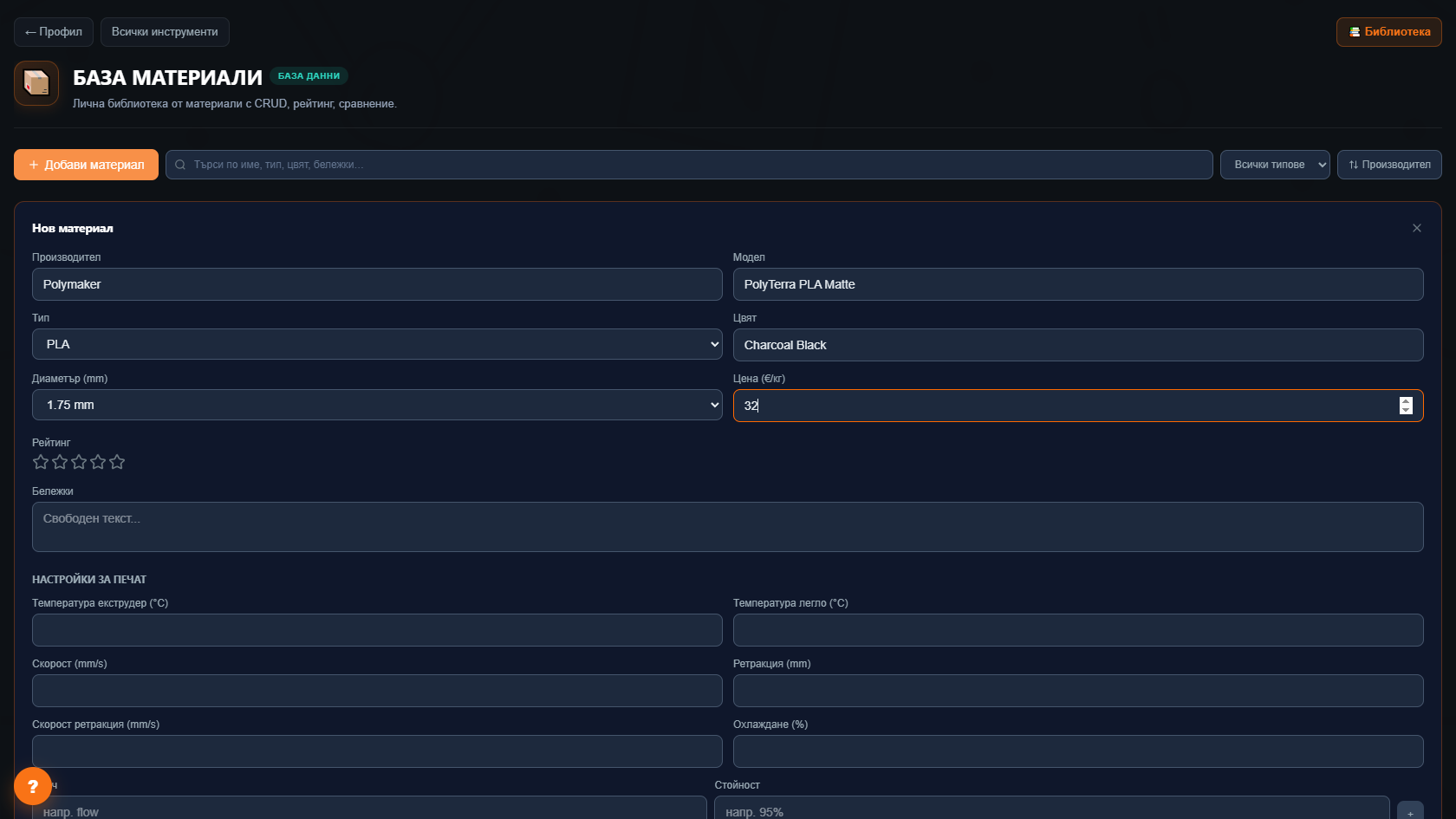
Add, edit, view, delete materials - all in a few clicks.
PLA, ABS, PETG, TPU, nylon, PC, ASA, PEEK, resin, PA12, Ti6Al4V, 316L, custom. Filter and see only what matters.
Polymaker, Prusament, Bambu Lab, eSUN, Fillamentum, Formlabs, Anycubic, Phrozen - filter by brand.
Nozzle temp, bed temp, print speed, retraction, cooling - everything you've tuned.
1-5 stars + free-text notes. Remember why you never buy Sunlu Black PLA again? It's written down.
Pick 2-4 materials and see them side-by-side - price, settings, rating. Perfect before the next purchase.
10-30 spools, several brands. Track settings and ratings for each.
Printing for clients with multiple materials. The database lets you quote exact price and lead time without flipping back and forth.
Different resins for different applications (crowns, bridges, guides). The database tracks what costs how much.
20+ students share materials. The database shows who tested what and what works.
Yes, up to 5 materials in your personal base. With a subscription - unlimited materials and export.
With a subscription - yes, CSV import. Without - manual.
The database has filters, comparison, ratings, mobile access - and integration with other instruments (Calculator uses it for cost, Wizards use it for recommendations).
The Big Book of 3D Printing includes 90 days of Pro access to every instrument with the physical book's code - 30 days with the ebook. Calculators, wizards, comparisons, generators, and more.
Get the book