

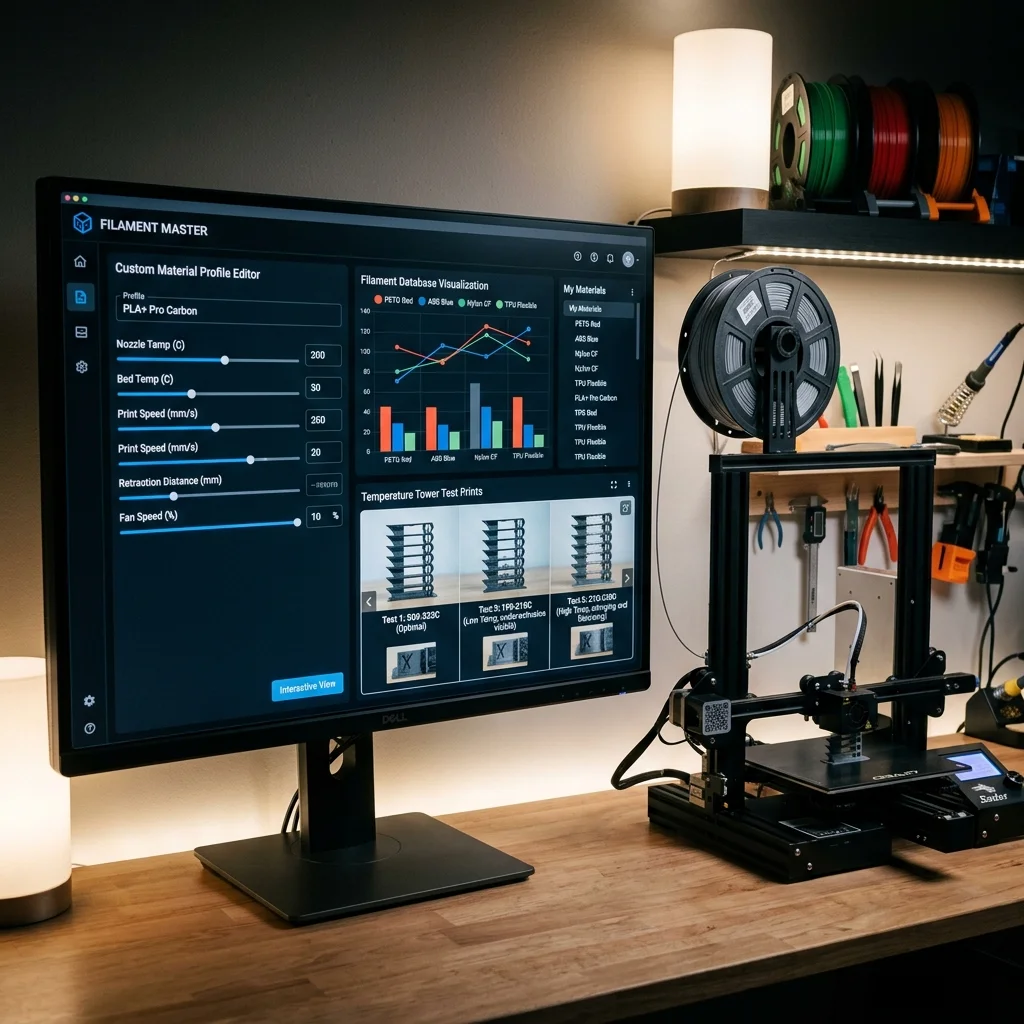
In 2025–2026, creating custom slicer material profiles remains essential for optimal print quality. Each new filament requires a calibrated profile matching the specific printer + material + nozzle combination.
Profile Contents
| Category | Parameters | Typical Values (PLA) |
|---|---|---|
| Temperature | Hotend, Bed, First layer | 215°C / 60°C / 220°C |
| Speed | Perimeter, Infill, Travel | 60 / 100 / 200 mm/s |
| Retraction | Distance, Speed | 0.8 mm / 45 mm/s |
| Cooling | Fan min/max | 50% / 100% |
| Flow | Flow rate | 0.98 |
Interactive Filament Selector
Answer 3 quick questions and find the optimal material for your project.
1. What are the mechanical requirements for the part?
2. What temperature will the part operate at?
3. Are there any specific environmental requirements?
Our recommendation:
PLA filament
Ideal for easy printing, model visualization and decorative parts.
Calibration Process
- Temperature Tower: Print tower with varying temps per segment.
- Flow Calibration: Print 20×20×20 mm cube, measure wall with calipers, adjust flow.
- Retraction Test: Optimize retraction length and speed for zero stringing.
- Pressure Advance: Print PA test pattern, select optimal value.
- Max Speed Test: Determine maximum speed without quality loss.
Pros and Cons
Pros:
- Optimal Results: Profile tuned for specific printer + material.
- Repeatability: Documented settings guarantee consistent results.
Cons:
- Time: Full calibration takes 2–4 hours.
- Specificity: Valid only for this printer + filament + nozzle combination.
Interactive Analyzer for Custom Slicer Material Profiles: Step-By-Step Calibration Guide
Select a profile to view detailed analysis.
The full picture
This article is one page from The Big Book of 3D Printing: 704 illustrated pages covering every technology, material and fix in one reference.
Read it on Kindle →Engineer, author of The Big Book of 3D Printing and additive manufacturing expert