

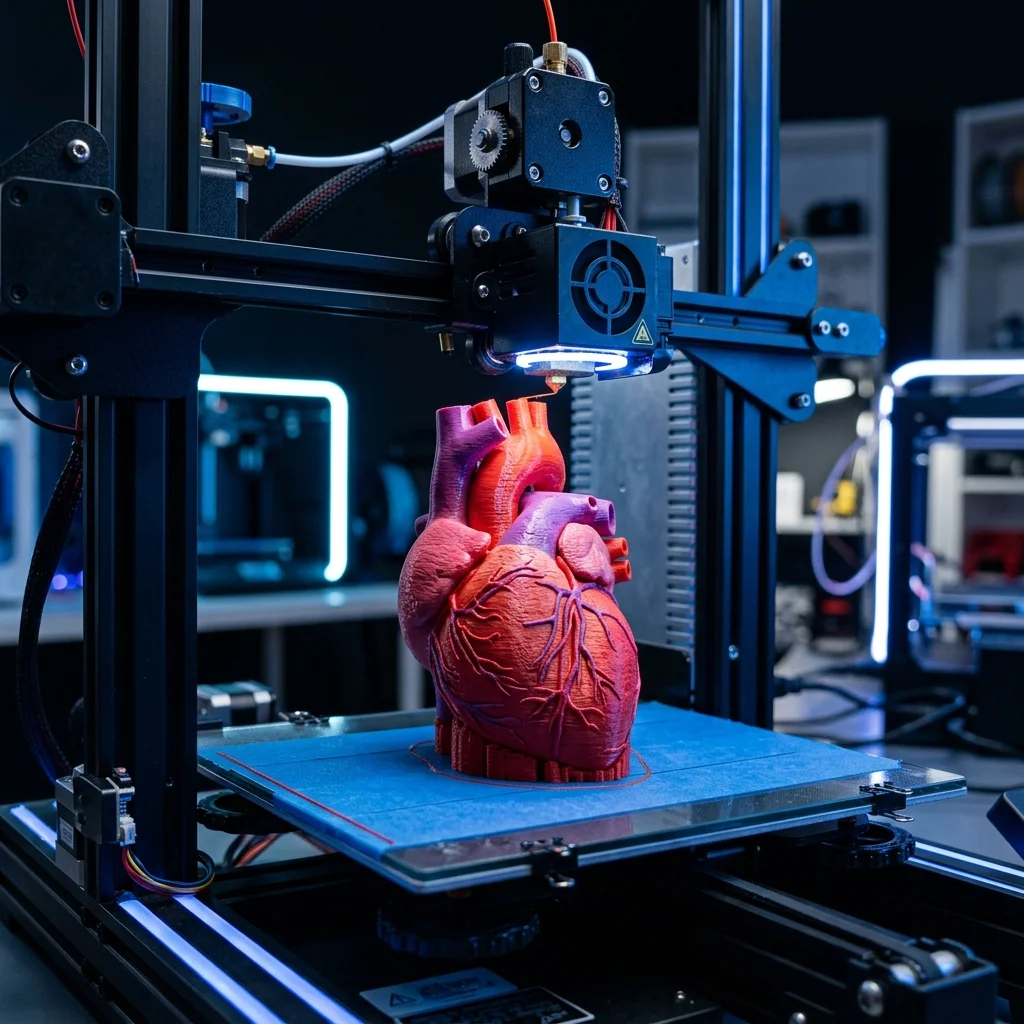
3D printing in education is one of the strongest pedagogical tools of the 21st century: students design solutions to real problems, see CAD ideas become physical things in 1-2 hours, and integrate STEM disciplines (CAD = math + geometry, slicing = computer science, post-process = chemistry + materials science). In Bulgaria, over 200 schools and 20 universities have at least one 3D printer since 2022. EduFacturing’s education partnership develops curriculum + supplies + training. This guide: typical classroom setup, recommended printers, safety, and pedagogical workflow.
Why 3D printing in the classroom
Educational benefits documented in EU-EduFacturing surveys:
-
Engagement boost: 87% of teachers reported a significant increase in student engagement when 3D printing involved.
-
STEM integration: a single project includes math (CAD geometry), physics (material properties), chemistry (post-process safety), engineering (DfAM), computer science (slicing parameters). Realistically 4-6 disciplines per project.
-
Failure tolerance: print fails are common (5-15% first attempt). Teaches students that iteration is normal, debugging is part of the process.
-
Spatial reasoning: 3D CAD develops spatial thinking measurably better than 2D drawing.
-
Career path exposure: students see real engineering workflow, initiates interest in design careers.
Age-appropriate applications:
Elementary (grades 1-4): printed teacher-designed models for visualization (math shapes, anatomy, biology cells). Students don’t print themselves but observe + handle finished objects.
Middle school (grades 5-8): basic CAD with TinkerCAD. Simple designs printable (keychains, name tags, simple containers). 1 printer can serve a class of 20-25.
High school (grades 9-12): full design cycle. Fusion 360 free for education. Group projects, real engineering challenges. Class needs 2-3 printers for 25 students.
University STEM: production-grade setups. Multiple printers (FDM, MSLA), professional CAD software, advanced materials. Engineering courses use weekly.
Recommended printers for classroom
For elementary/middle school (single printer):
Bambu Lab A1 mini (€280): recommended. Compact, safe (enclosed parts), fast (input shaping), auto-load. Teacher-friendly setup, kid-friendly operation under supervision.
Prusa Mini+ (€459): alternative. Slightly less hands-on automation, but open-source firmware + EU Education discount.
For middle/high school STEM lab (3-5 printers):
Bambu Lab A1 (€420) × 3 + Bambu Lab X1-Carbon (€1449) × 1: recommended mix. A1s for student daily use, X1-Carbon for advanced projects (PETG, ABS, PA-CF).
Prusa MK4S (€999) × 3: alternative. More tinkering, open-source advantage. Education discount applies.
For university engineering lab (10+ printers):
Mix of Bambu X1-Carbon (€1449), Prusa MK4S (€999), Anycubic Photon Mono M5s (€368 for MSLA experiments), and Markforged Mark Two (€11,000 for CFF research).
Avoid for classroom: open-frame heated bed printers without enclosure (burn risk), printers requiring frequent maintenance (Ender 3 stock (too tinkery for non-experts), professional MSLA with resin handling (resin is toxic) only with strict safety protocols).
Safety in the classroom
Critical safety considerations:
FDM printers:
- Hot nozzle (200-280°C): burn hazard. Enclosed printers (Bambu X1) safer than open-frame.
- Heated bed (60-110°C): burn hazard at 100°C+. Always wait for cooldown.
- Moving parts: kids’ fingers around belts, pulleys, leadscrews. Enclosed printers vastly safer.
- Filament fumes: PLA – minimal. PETG – low. ABS – significant (styrene fumes). For classroom: PLA ONLY. ABS requires fume hood.
- Microparticles: all FDM emits ultrafine particles. Recommend ventilation, especially in rooms where printer runs 8+ hours/day.
MSLA printers:
- Resin toxicity: liquid resin is skin/eye irritant + potential sensitizer (allergy possible after repeated exposure). NEVER classroom without gloves + glasses.
- UV light: cure stations emit 405nm. Eye damage with prolonged direct exposure.
- IPA flammability: 99% IPA is highly flammable. Strict no-flame rules.
- Disposal: resin waste, IPA waste, uncured prints, all require proper hazardous waste protocols.
For most classrooms: skip MSLA. FDM with PLA only is the educational standard. MSLA introduced in university labs only with proper safety training (gloves, glasses, ventilation, designated workspace).
Classroom safety setup:
- Printer in dedicated area, not adjacent to seats
- Ventilation (window or fume extractor)
- First aid kit accessible
- Tool kit (clippers, scrapers) restricted to teacher
- No food/drink in print area
- Student supervision during first 10-15 print sessions
Pedagogical workflow
Single-project lesson (90-minute class):
Minutes 0-15: introduction. Teacher demonstrates CAD software, shows examples.
Minutes 15-45: students CAD design (keychain, name tag, simple tool). Use TinkerCAD (browser-based, free, kid-friendly). Save STL.
Minutes 45-60: teacher slices in PrusaSlicer/Bambu Studio. Demo print queue.
Minutes 60-90: print starts (with teacher monitor). Students observe printer mechanics, document layer-by-layer progression. Pieces print over multiple class sessions.
Next class: post-process (support removal, sanding). Discuss what went wrong (if any prints failed). Iterate design if needed.
Multi-week project (8-12 hours total class time):
Week 1: problem identification. Students survey school, identify physical problem to solve (broken chair leg, missing closet hook, custom organizer). Take measurements, sketch initial ideas.
Week 2: CAD design in Fusion 360 (free education license). Teacher demonstrates measurement → CAD workflow. Students design solution.
Week 3: print + test. Print first iteration. Test functionality. Document failure modes.
Week 4: iterate. Redesign based on test results. Re-print. Discuss why second iteration is better.
Week 5: final print + presentation. Students present solution to class. Discuss what they learned (CAD skill, design thinking, materials knowledge).
Assessment criteria: CAD skill demonstrated, problem-solution fit, iteration documentation, presentation clarity.
Cost structure for school
Single FDM printer setup (Bambu A1 mini): Printer: €280 PLA filament (5 kg variety pack): €100 Tools (scrapers, clippers): €30 Total: €410 for basic single-classroom setup.
For 1 year operation (200 student-prints): material cost €0.30-€0.50 per print = €60-€100/year. Electricity €10-€15/year. Maintenance (nozzle replacement, etc.) €20. Total operational: €90-€135/year.
Middle school STEM lab (3 printers): 3 × Bambu A1 mini: €840 PLA filament (20 kg variety): €400 Tools: €100 Total: €1340 setup.
For 1 year (1000+ student-prints): material €300, electricity €30, maintenance €60. Total: €390/year.
University engineering lab: 10 × Bambu X1-Carbon: €14,490 3 × Anycubic Photon Mono M5s (MSLA): €1104 Materials (40 kg PLA + 20 kg PETG + 10 kg PA-CF + 5L resin): €2400 Software licenses: €1500 Safety equipment: €500 Total: ~€20,000 setup.
Grants and funding options in Bulgaria: Ministry of Education STEM program, EU Erasmus+ projects, EduFacturing’s Education Partner program (discounts on printers and materials for accredited schools).
Frequently Asked Questions (FAQ)
3D Printing For Education And Training Calculator
Interactive optimization calculator.
The full picture
This article is one page from The Big Book of 3D Printing: 704 illustrated pages covering every technology, material and fix in one reference.
Read it on Kindle →Engineer, author of The Big Book of 3D Printing and additive manufacturing expert