

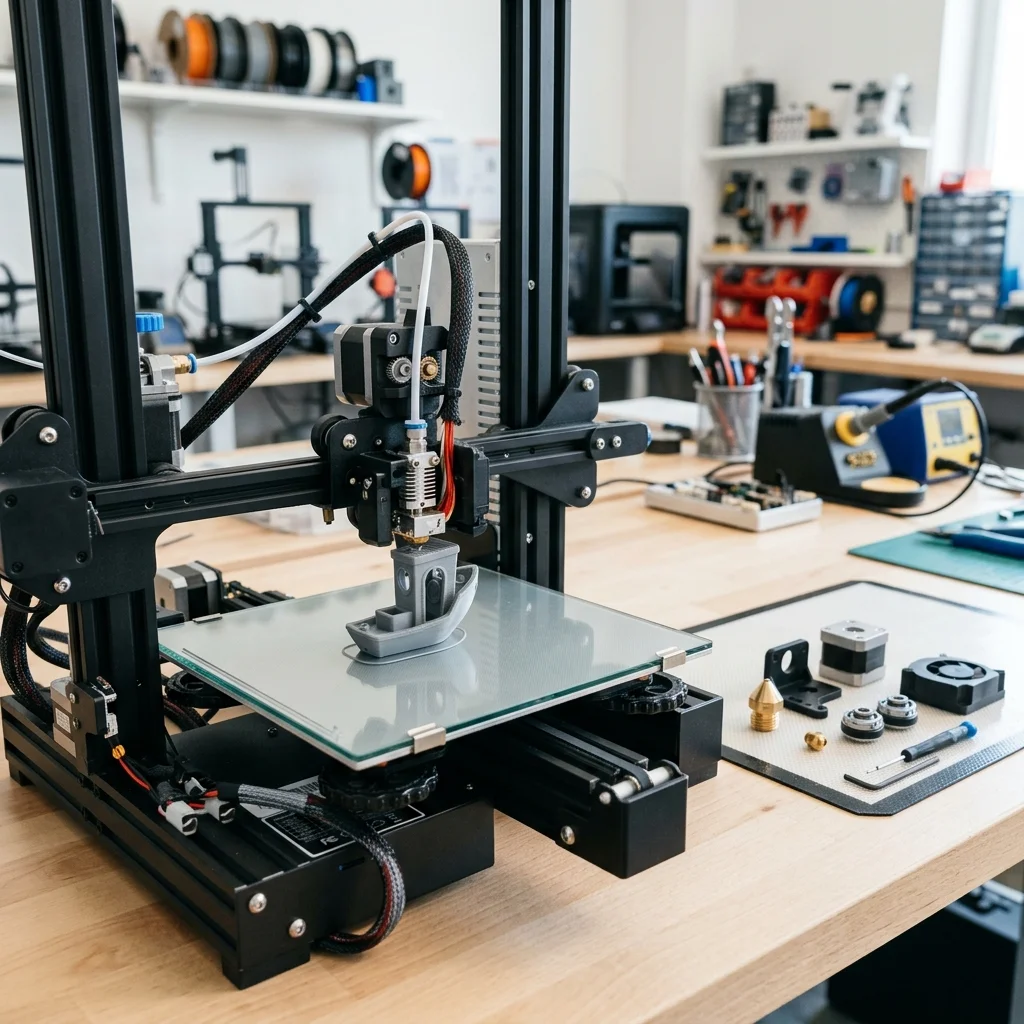
Budget FDM 3D printers (like the ubiquitous Ender 3 series, Elegoo Neptune, or Anycubic Kobra) offer incredible value and serve as the perfect entry point into the world of additive manufacturing. However, to maintain competitive pricing, manufacturers often have to cut corners on peripheral components. The result? A machine that works decently out of the box but hides a massive amount of untapped potential.
The good news is that you don't need a thousand-dollar machine to achieve flawless surface finishes, high printing speeds, and rock-solid reliability. By implementing a few strategic, low-cost modifications, you can elevate the performance of your entry-level printer to rival high-end prosumer models. In this guide, we'll explore the most effective hardware and software upgrades that will transform your device.
1. The Foundation: Bed Adhesion and Stability
One of the most frustrating issues in 3D printing is part warping or poor first-layer adhesion. The single best investment you can make is upgrading to a **PEI (Polyetherimide) flexible spring steel sheet**. Unlike glass or standard build-tak stickers, a PEI surface (especially textured variants) grips most polymers (PLA, PETG, ABS) fiercely when hot, and releases them instantly once cooled. This upgrade typically costs around $15-25 but will save you from countless failed prints.
The second essential step in this category is replacing the standard bed springs with **silicone spacers**. Factory springs are often weak and lose tension, requiring you to constantly re-level the bed. Silicone solid mounts absorb vibrations better and keep your bed trammed for months at a time. It's a micro-modification costing under $10 that drastically improves the reliability of your machine.
2. Extrusion Excellence: Upgrading the Filament Path
If your printer uses a Bowden system (where the extruder motor is separated from the hotend), the standard white PTFE tubing is often a bottleneck. It can degrade at temperatures above 230°C and has a wider internal diameter, leading to sloppy retractions. Replacing it with high-quality **Capricorn PTFE tubing** (which features tighter tolerances and higher temperature resistance) improves flow control and significantly reduces stringing.
Another key upgrade is the extruder mechanism itself. The plastic extruders bundled with many budget machines will eventually crack or fail to provide enough grip. Upgrading to a **dual-gear metal extruder (like a BMG clone)** ensures the filament is gripped from both sides simultaneously. This prevents slipping and delivers precise, consistent extrusion, which is especially critical when printing flexible materials like TPU.
3. The Power of Airflow: 3D Printed Cooling Ducts
One of the greatest strengths of 3D printers is their ability to print upgrades for themselves. Stock part cooling is often one-sided and weak, resulting in poor overhangs and curling on the side opposite the fan.
You can find free, highly optimized designs on platforms like Printables or Thingiverse for advanced fan ducts such as the **Hero Me**, **Petsfang**, or **Satsana**. These systems route the airflow evenly around the entire nozzle (360-degree cooling). Combined with a cheap but powerful centrifugal blower fan (like a 5015 fan), this modification will allow you to bridge large gaps and print extreme overhangs without needing support structures.
4. Brain Replacement: Unleashing Speed with Klipper
If you want to take your machine to the next level without buying new kinematics, flashing your firmware to **Klipper** is the ultimate software upgrade. Unlike traditional Marlin firmware, which relies on the printer's own relatively weak 8- or 32-bit mainboard to calculate movements, Klipper offloads the heavy kinematics math to an external computer (like a Raspberry Pi, Orange Pi, or even an old Android phone).
This unlocks access to advanced algorithms like **Input Shaping** (which actively compensates for resonance and vibrations to eliminate "ghosting" or "ringing") and **Pressure Advance** (which refines the flow of plastic in corners). The result? You can often push your print speeds 2x to 3x higher while maintaining (or even improving) surface quality. The investment is minimal, especially if you repurpose old hardware you already have lying around.
5. Essential Quality-of-Life 3D Printed Mods
Beyond cooling ducts, there are dozens of other small modifications you can simply download and print. **Filament guides** with built-in bearings reduce friction as the spool unwinds and relieve strain on the extruder. **V-slot covers** keep dust and stray bits of plastic out of the aluminum extrusions. **Cable chains** not only give your machine a clean, professional aesthetic but also protect your wiring harnesses from fatigue and breaking due to constant motion.
Finally, customized tool holders integrated into the frame and articulated camera mounts allow you to keep your workspace tidy, monitor prints remotely, and create stunning time-lapse videos using platforms like OctoPrint or Mainsail.
Conclusion
The true beauty of desktop 3D printing lies in its modular nature and the vibrant open-source community behind it. You are not just buying a finished appliance; you are investing in a platform that evolves alongside your skills. By starting with these small, accessible modifications, you can incrementally transform a basic 3D printer into a customized precision manufacturing tool. The key is to implement changes one at a time: that way, you'll understand exactly how each upgrade impacts your final results and become a much better engineer in the process.
The full picture
This article is one page from The Big Book of 3D Printing: 704 illustrated pages covering every technology, material and fix in one reference.
Read it on Kindle →Engineer, author of The Big Book of 3D Printing and additive manufacturing expert