

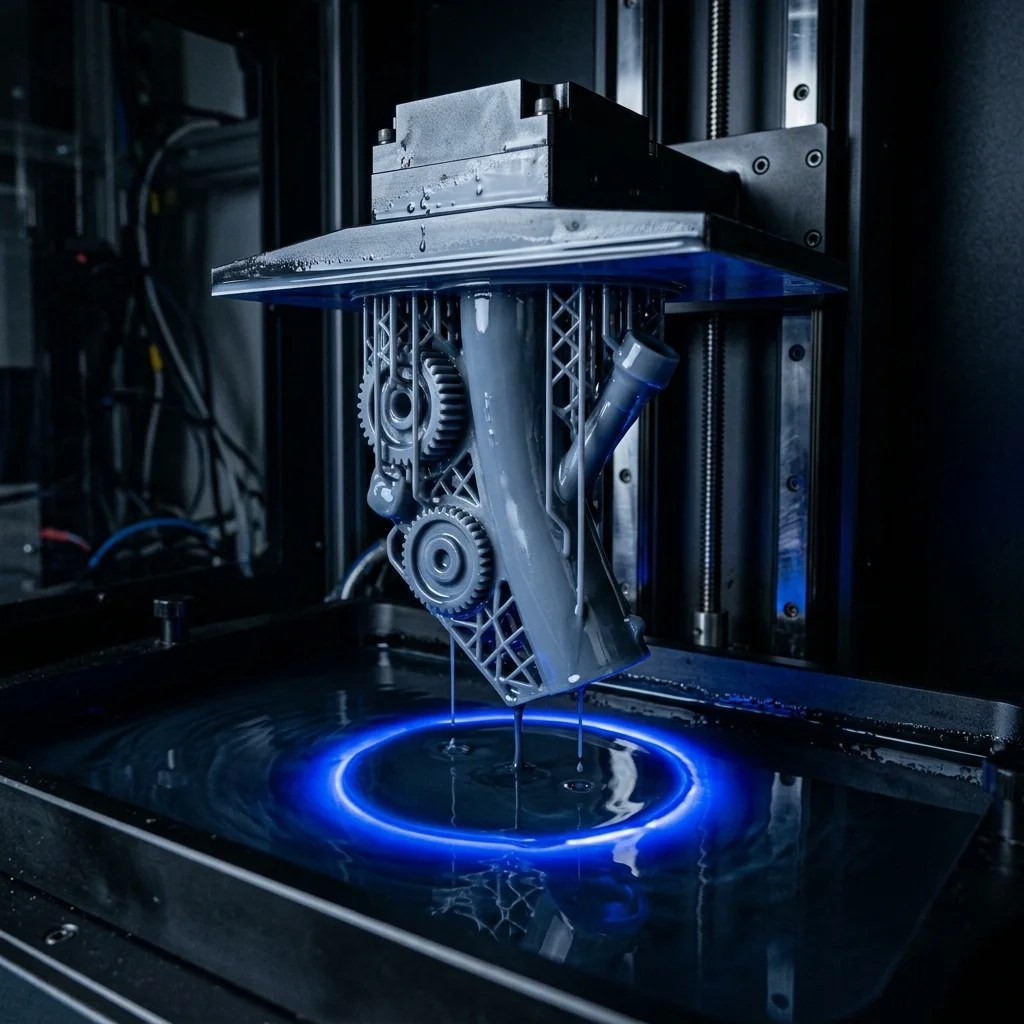
CLIP (Continuous Liquid Interface Production) technology, also known as Carbon’s DLS (Digital Light Synthesis), has rewritten the rules of resin 3D printing. Combining this ultra-fast technology with Standard or Fast resins unlocks incredible possibilities for rapid prototyping and short-run production. In this guide, we’ll dive deep into how the process works, why these resins are a perfect match, and how to get the most out of Carbon 3D printers.
The Basics of CLIP / DLS Technology
CLIP and DLS use UV light to cure photopolymer resin, similar to traditional SLA and DLP processes. However, the key difference is the oxygen-permeable window at the bottom of the resin vat. This creates a thin layer of liquid resin (the “dead zone”) that never cures against the glass. As a result, the printer can continuously pull the part out of the resin bath without the time-consuming peel steps required by older technologies, drastically reducing print times and eliminating visible layer lines.
Why Standard / Fast Resins Excel Here
Standard and Fast resins are chemically formulated to cure rapidly when exposed to UV light. When paired with the continuous growth process of CLIP/DLS, these materials allow operators to push the speed limits of 3D printing. They offer an ideal balance of crisp detail, decent strength, and rapid curing. This synergy reduces iteration cycles from days to mere minutes, making them the go-to choice for visual prototyping and design validation.
Recommended 3D Printers for CLIP / DLS
Carbon is the undisputed leader in this technological space. Here are their standout models:
Carbon Carbon M3: A compact yet incredibly powerful machine, perfect for smaller intricate parts, dental models, and rapid prototyping workflows.
Carbon Carbon M3 Max: Delivers the same astonishing speeds as the M3 but features a significantly larger build volume, ideal for large-scale prototypes or batch manufacturing.
Carbon Carbon L1: A production powerhouse designed specifically for mass manufacturing of large consumer goods like footwear midsoles and sporting equipment.
Top Brands for Standard / Fast Resins
While Carbon offers a proprietary suite of high-performance resins, many users operating in similar spaces look for versatile options:
Siraya Tech Fast Resin: Renowned in the industry for its rapid curing properties, excellent resolution, and ease of cleaning.
Formlabs Standard Resin: A premium material delivering flawless surface finishes and sharp details, highly reliable for general prototyping.
Elegoo 8K Water Washable: A popular, budget-friendly option that simplifies the post-processing workflow by eliminating the need for harsh chemical solvents.
Common Pitfalls and How to Avoid Them
Even with advanced tech, printing with Standard resins requires attention to detail:
Build Plate Adhesion Issues: Ensure your build platform is perfectly leveled and clean. Increasing the exposure time for the initial “burn-in” layers can solve most adhesion problems.
Sticky Surface Finish: Standard resins require thorough washing in Isopropyl Alcohol (IPA) and adequate post-curing under UV light. Incomplete washing leaves a tacky residue.
Clogged Details: High-speed printing can trap uncured resin in small holes or fine details. Use compressed air to blow out these areas before the final UV cure.
Frequently Asked Questions (FAQ)
Interactive Analyzer for The Ultimate Guide To 3D Printing With Clip / Dls And Standard Resins
Select a profile to view detailed analysis.
The full picture
This article is one page from The Big Book of 3D Printing: 704 illustrated pages covering every technology, material and fix in one reference.
Read it on Kindle →Engineer, author of The Big Book of 3D Printing and additive manufacturing expert