

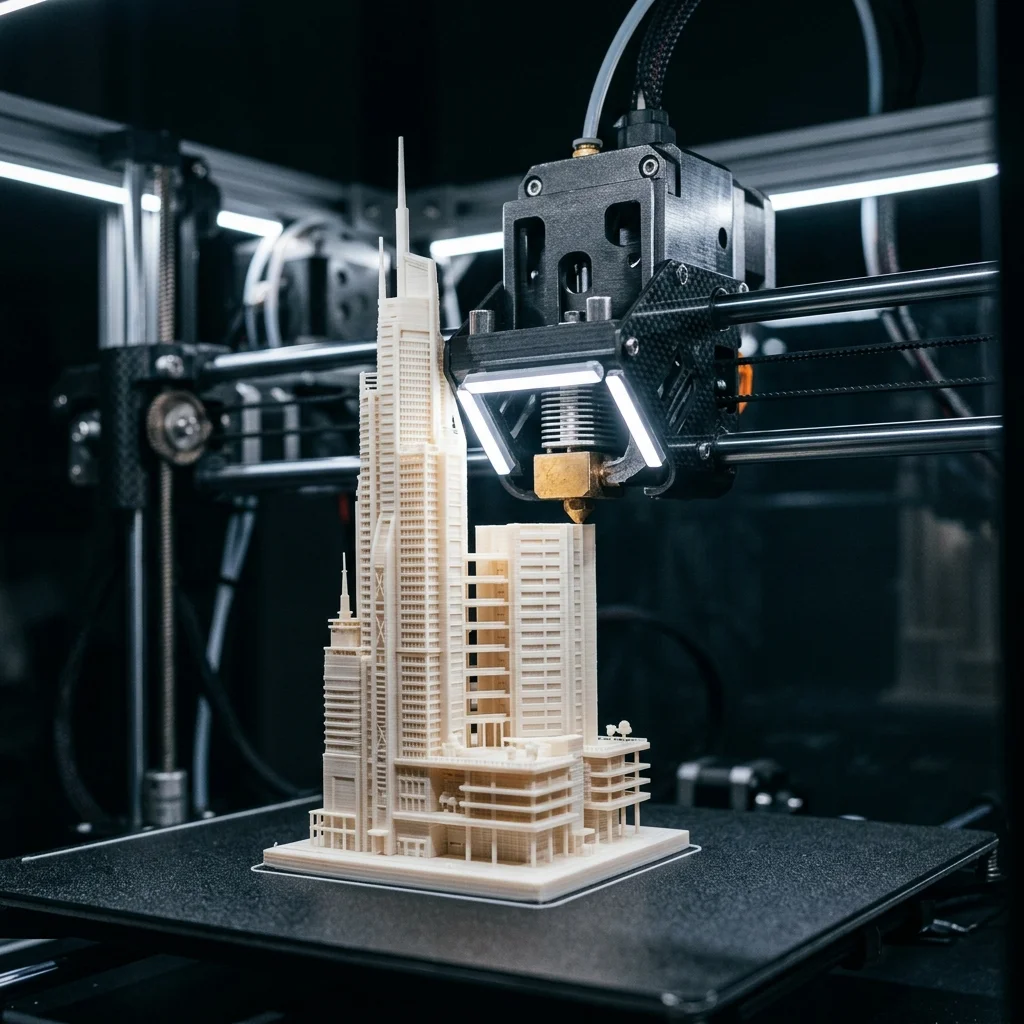
In architecture, 3D printing is gradually replacing the hand-built cardboard model. Studios begin many projects with 3D-printed scale models that travel from the office to the client for approval. The technology lets you print an entire residential complex at 1:200 in 3-5 days, fitting on a table and showing volume distribution, façades, and landscaping. In this guide we cover scales, materials, the workflow from Revit or ArchiCAD to a finished maquette, and how architectural studios are already using 3D printing.
Scales for architectural models
Standard architectural scales and their characteristics in 3D printing:
1:1000 (urban scale), for a whole district or neighborhood. Model size: 300×300 mm for an area of 300×300 m. Resolution: 100-200 µm layer is enough. Small buildings are represented as simple block masses. Recommended printer: large FDM (Bambu Lab X1-Carbon, Prusa XL, €1000-€1900) with PLA. Not suitable for MSLA: the scale is too large for resin printers.
1:500 (general architectural scale), for a district or a complex of several buildings. Area: 300×300 mm for a 150×150 m district. Façade details start to appear (balconies, windows). FDM with a 0.4 mm nozzle. PLA or PETG.
1:200 (detailed general plan), for one complex or a residential building. Area: 400×400 mm for an 80×80 m building. Windows (1.5 m → 7.5 mm in the model), balconies, canopies become legible. FDM with a 0.4 mm or 0.2 mm nozzle for finer details. PLA in a matte color.
1:100 (façade detail), for one building. Area: 400×400 mm for 40×40 m. Windows (1.5 m → 15 mm) show frames. Here MSLA becomes an option: Phrozen Sonic Mighty 8K (€420) with clear resin for windows.
1:50 (interior detail), for one apartment or floor in a building. Area: 400×400 mm for a 20×20 m apartment. Furniture, doors, windows with frames. A combination of FDM (walls) and MSLA (furniture, details).
1:20 (expert detail), for a façade fragment, an engineering detail, a structural joint. Pure MSLA. Photon Mono M5s or Saturn 3 Ultra with tough resin.
1:1 (full-scale detail), for a prototype handle, an entry element, lighting. SLA or MSLA with photorealistic resin.
Materials for architectural models
PLA in matte white or gray: the standard for primary volumes. Bambu Lab PLA Matte (€25/kg), Polymaker PolyTerra (€28/kg). Prints cleanly without post-processing: no primer or paint required. Recommended for 1:1000 to 1:200.
Wood PLA, for landscape elements, wooden parts, a ‘warm’ surface. Fillamentum Timberfill (€40/kg), eSUN Wood (€30/kg). Not real wood: a PLA + wood fiber blend. Prints with a slightly oxidized surface.
Clear PETG, for windows and glass façades. Polymaker PolyLite PETG Translucent (€28/kg). Not as crystal-clear as SLA resin, but enough for a general impression.
Clear MSLA resin (Anycubic Clear, Phrozen Aqua-Gray), for façade glazing at smaller scales (1:100 and below). Cleaner, photogenic. €40-€80/liter.
Gypsum-like powder (binder jetting at a specialized bureau), for full-color architectural models with photorealistic appearance. Cannot be printed at home: send the STL to a service bureau. Cost: €0.50-€1.50 per cm³.
Semi-transparent resin for landscape water elements (lakes, pools): Anycubic Translucent with a blue tint. €50/liter.
Sending to a bureau: PolyJet full-color model at 1:200 of an entire residential complex with full color tinting for €800-€2500.
Workflow from Revit/ArchiCAD to 3D print
Architectural software (Revit, ArchiCAD, SketchUp, Rhino, AutoCAD 3D) is not optimized for 3D printing. Export must follow a specific process.
Step 1: Prepare the model in Revit/ArchiCAD
- Delete everything below the floor (foundations, utilities, base slabs underground): they’re not visual and inflate the print volume unnecessarily.
- Merge geometry blocks (Revit uses families; unify grouped elements into a monolithic geometry).
- Check the thickness of every element: walls thinner than 2 mm in the real model cannot be printed at 1:200 (10 mm in reality = 50 µm in the model = below printable resolution). For thin walls, bump the thickness to at least 0.4 mm in the model (= 80 mm in reality at 1:200, which is visually acceptable).
Step 2: Export as STL
- Revit: File → Export → CAD Formats → STL. Quality: Fine. Binary format.
- ArchiCAD: File → Save As → STL. Tessellation: Fine.
- SketchUp: use the STL Exporter plugin.
- Rhino: File → Export Selected → STL. Tolerance: 0.1 mm.
Step 3: Validate in Meshmixer or Bambu Studio
- Repair mesh errors (manifold errors).
- Close open meshes (every 3D print requires a closed mesh).
- Slice the model into segments if larger than the printer build volume.
Step 4: Prepare for printing in slicer
- Bambu Studio for Bambu printers, PrusaSlicer for Prusa, ChiTuBox for MSLA.
- Layer height: 0.20 mm for standard scale, 0.12 mm for details.
- Infill: 10-15% for internal volumes (the model doesn’t carry real loads).
- Supports: ENABLED for overhangs above 45 degrees. For architectural models: tree supports recommended (fewer visible marks after removal).
Step 5: Print and post-processing
- 24-72 hours of printing for a full residential complex at 1:200.
- Supports removed by hand or with a blade.
- Light sanding of edges.
- No paint for matte PLA. Airbrush for a richer palette (white for walls, gray for roof, brown for windows).
Recommended printers for architectural studios
For small studios (1-3 architects):
- Bambu Lab X1-Carbon (€1449): excellent all-round printer. Enclosed body for consistent prints, 256×256×256 mm build volume, multi-color AMS for white+gray+brown in one print.
- Prusa MK4S (€999): open source, uncompromising accuracy. Slightly smaller volume than Bambu, but extremely reliable for daily use.
- Anycubic Photon Mono M5s (€368): supplementary for detailed MSLA prints (windows, furniture at 1:50).
For mid-size studios (5-10 architects, active 3D print service):
- Prusa XL with 5 heads (€3500): large 360×360×360 mm build volume + multi-color prints without AMS. Ideal for a whole-district model in a single print.
- Creality K1 Max (€800): cheaper large FDM for 300×300×300 mm volumes.
- MSLA: Elegoo Saturn 4 Ultra (€500), large 12K MSLA for detailed elements.
For large architectural studios or university labs:
- Stratasys F370 (€55,000-€80,000): professional FDM with multiple heads, excellent quality, reliable for 24/7 printing.
- HP MJF 580 (€150,000+): multi-color SLS for photorealistic models.
- External bureau: PolyJet full-color model of an entire complex €1500-€5000.
For an architectural studio with 3-5 architects making 2-3 models per month, we recommend Bambu Lab X1-Carbon + Anycubic Photon Mono M5s = €1820 total. That covers 95% of typical sizes and scales.
Examples from architectural studios
Many studios already integrate 3D printing into their workflow.
Boutique architectural firms: print 1:200 models in their own studio with a Prusa MK4 and a Phrozen MSLA printer. Time for a mid-size complex model: 5-7 working days from finished CAD to presentation-ready model.
Small private practices: 3 architects using 3D-printed models for municipal design competitions. A Bambu Lab X1-Carbon with multi-color AMS gives them a competitive advantage in turnaround.
Architecture faculties at technical universities: academic 3D printing labs with 6 printers (4 FDM Prusa MK3S+, 2 MSLA Anycubic Photon). Students are required to submit a model with a 3D-print element in a third-year coursework.
Industrial architectural bureaus: specialized in industrial projects. They print models of warehouses, storage buildings, and installations at 1:500 for presentations to industrial clients.
External print service options:
- Local print centers: €0.30-€0.80 per cm³ for FDM PLA models
- National distributors: import specialized machines, services for more complex models
- MyMiniFactory print service (international, ships in 5-7 days), for specialty materials (binder jetting, PolyJet multi-color)
Prices for a custom model (1:200 scale, full residential complex): €600-€1800. Time from order to delivery: 5-10 working days.
Frequently Asked Questions (FAQ)
Interactive Analyzer for 3D Printing Architectural Models, Materials, Scales, Workflow
Select a profile to view detailed analysis.
The full picture
This article is one page from The Big Book of 3D Printing: 704 illustrated pages covering every technology, material and fix in one reference.
Read it on Kindle →Engineer, author of The Big Book of 3D Printing and additive manufacturing expert