

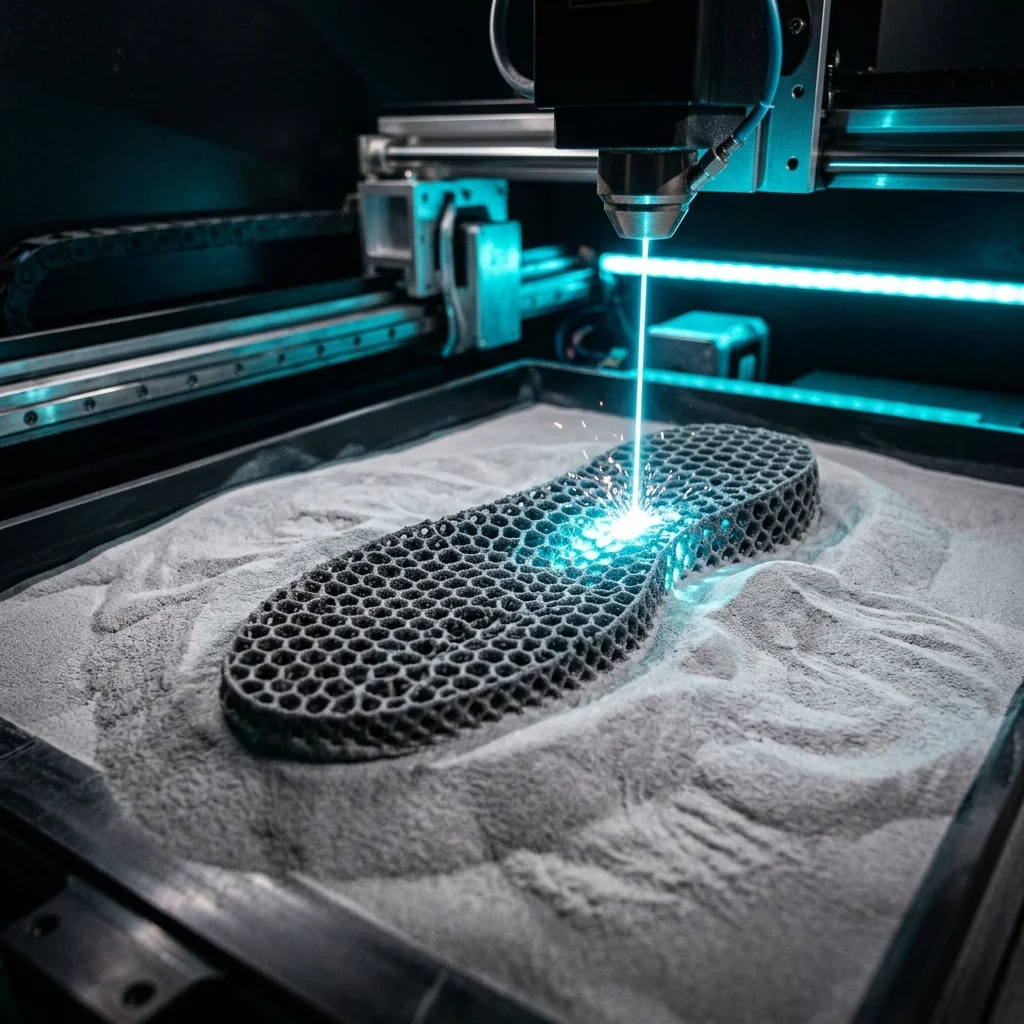
TPU (Thermoplastic Polyurethane) is an extremely flexible and durable material that is ideal for SLS technology. Thanks to the ability to print without support structures, SLS and TPU offer design freedom for flexible parts.
Why is TPU perfect for SLS?
SLS (Selective Laser Sintering) uses a laser to sinter polymer powder layer by layer. When combined with TPU powders, the result is highly elastic and durable parts.
This technology allows for the creation of complex geometries, including internal channels and lattice structures, without the need for additional supports. This is ideal for footwear, seals, and flexible hoses.
-
No Supports Needed: The SLS process uses the unsintered powder itself as support, which is critical for soft materials.
-
Extreme Flexibility: TPU parts can be bent and twisted thousands of times without deformation.
-
Chemical Resistance: TPU is resistant to oils and greases, making it perfect for industrial use.
Best SLS Printers for TPU
When it comes to printing with flexible materials, both industrial and desktop SLS printers offer great capabilities.
-
Formlabs Fuse 1+ 30W: A compact printer that offers incredible speed thanks to its 30-watt laser.
-
Sinterit Lisa Pro: An excellent choice for professionals with an open materials system and easy setup.
-
Sintratec S2: A modular system that allows for quick material changes, perfect for R&D.
TPU Powder Brands and Technical Specifications
The market offers various TPU powders, each with unique characteristics. Here are some of the best:
-
Sinterit Flexa Grey: A classic TPU material with excellent elasticity and a smooth surface.
-
Formlabs TPU 90A: A high-quality powder with a perfect balance of strength and flexibility, ideal for prototypes.
-
BASF Ultrasint TPU: The industrial standard for series production, offering consistent results.
Shore Hardness: 90A
Tensile Strength: 15 MPa
Elongation at Break: 300%
Printing Temperature: ~110-130°C
Applications and Common Pitfalls
TPU is indispensable in industries like automotive, healthcare, and consumer goods.
-
Footwear Prototyping: Ideal for creating soles and ergonomic elements with variable stiffness.
-
Medical Orthotics: Used for personalized, comfortable-to-wear devices.
-
Industrial Seals: Excellent resistance to compression and wear.
Despite its advantages, printing with TPU can be challenging. Here are some common problems:
-
Recycling Issues: TPU powder degrades faster than PA12, requiring a higher refresh rate of new powder.
-
Cleaning: Removing powder from internal flexible channels can be difficult and time-consuming.
-
Accuracy: Flexible materials have a higher shrink rate and require precise software compensation.
How much does SLS printing with TPU cost?
The cost varies depending on the equipment and material brand. The printers themselves usually cost between €15,000 and €50,000.
Price per kg of TPU: €80 – €150
Refresh Rate: ~40-50%
Average Cost per Printed Part: €5 – €30
Frequently Asked Questions (FAQ)
Complete Guide To Sls 3D Printing With Tpu Powders Calculator
Interactive optimization calculator.
The full picture
This article is one page from The Big Book of 3D Printing: 704 illustrated pages covering every technology, material and fix in one reference.
Read it on Kindle →Engineer, author of The Big Book of 3D Printing and additive manufacturing expert