

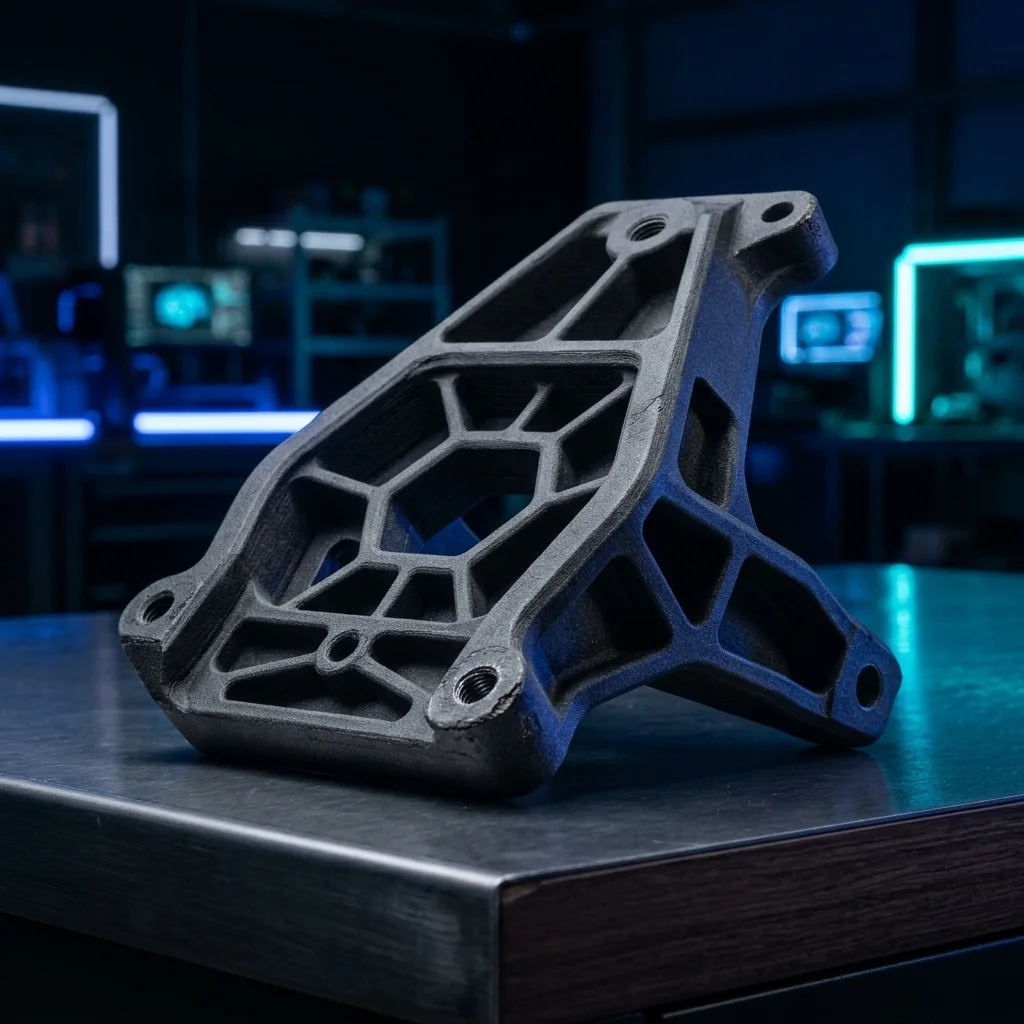
Tough resin (or “engineering resin” or “ABS-like resin”) is the family of resins that preserve MSLA’s fine details but add impact resistance: the part doesn’t shatter when a miniature falls off the table, doesn’t crack at snap-fit, and survives hundreds of dice rolls. For hobbyists printing gaming minis for active use (Warhammer 40K tabletops, D&D campaigns with reuse), and designers wanting resin precision without standard fragility: tough resin is the standard choice. This guide shows which printers, which resins, and which settings make the difference between display-only mini and table-ready warrior.
Why tough resin, not standard
Standard MSLA resin has wonderful resolution but is brittle as glass. A small 28mm miniature printed on standard resin breaks when it falls from 30cm. For display-only painted minis this isn’t a problem: no one handles them. For gaming use though: disaster.
Tough resin (PMMA-modified or ABS-like) preserves the same XY resolution (19 µm on 8K MSLA) but adds:
- Impact resistance: 5-10x standard. Survives 100cm drop.
- Tensile strength: 50-60 MPa (vs 30-40 for standard).
- Elongation at break: 20-30% (vs 5-10%). Bend, not snap.
Compromise: tough resins typically have slightly higher viscosity, print slightly slower (3.5-4.5 sec exposure vs 2.5-3.5 for standard), and almost always need 8-12 minute post-cure (vs 5-6 for standard).
When tough vs standard:
- Display figures, dioramas: standard (cheaper, finer detail)
- Gaming minis, RPG figures: tough
- Snap-fit prototypes, mechanical demonstrators: tough
- Wargaming terrain (modular pieces): tough
- Jewelry casting masters: castable (specialized)
Recommended MSLA printers
Anycubic Photon Mono M5s (€368): optimal entry-level for tough resin. 12K display, auto-leveling, good support for Anycubic Tough Resin formulations.
Elegoo Saturn 3 Ultra (€402): preferred for batch printing 10-20 minis at once. Larger platform gives cost-per-mini ~€0.30.
Phrozen Sonic Mini 8K S (€430): Phrozen is a high-quality tough resin producer (Aqua Series Tough). Hardware optimization for their resins gives slightly better edge-case print quality.
Elegoo Saturn 4 Ultra (€499): newest 2024, integrated dryer + faster exposure. Recommended for professional miniature studios.
Prusa SL1S SPEED (€1979): premium choice with EU support. Tough resin needs longer exposure: SL1S’s high-power LCD prints tough resins 30% faster than consumer MSLA.
Avoid: low-cost printers like Anycubic Photon Mono 4K (legacy €200) or Mars 4 entry, exposure power isn’t enough for consistent tough resin curing.
Recommended tough resin brands
Siraya Tech Tenacious (€45-€55/liter): gold standard for gaming minis. Yellowish tint (good for seeing detail before paint), excellent impact resistance. Recommended for starting.
Phrozen Aqua Tough Pro (€38-€45/liter): Phrozen’s tough formulation. Gray, low odor, prints well at 8K detail. Recommended for Phrozen printer users.
Elegoo ABS-like 2.0 (€22-€28/liter): budget tough option. Quality solid for gaming minis, ~half the price of Tenacious. Recommended for batch printing.
Anycubic ABS-like Resin (€25-€30/liter): similar quality to Elegoo ABS-like 2.0. Print profiles included with Photon Workshop.
FormFutura Performance ABS (€60-€80/liter): premium ABS-like for professional studios. Industrial-grade impact resistance.
Phrozen Onyx Impact Plus (€50-€60/liter), for extreme impact applications. Older formulation but proven for professional miniature painters.
Avoid: unbranded “Tough resin” under €18/liter, typically standard resin labeled as tough, no real impact gain.
Optimal settings for tough resin
Layer height: 0.05 mm (50 µm) standard. For competition-level precision on miniatures: 0.03 mm.
Exposure time: tough resins need 30-50% longer exposure than standard. On 8K MSLA Anycubic Photon Mono M5s: 3.5-4.5 sec (vs 2.5-3.5 for standard). Calibrate with RERF (Resin Exposure Range Finder).
Bottom exposure: 35-45 sec, 6-8 bottom layers. Tough resin doesn’t stick as well as standard: need more bottom layers for stable base.
Lift speed: 50-70 mm/min (slower than standard’s 60-80). Higher viscosity in tougher resins: fast retract may cause vacuum/suction issues with flexible part.
Lift distance: 8-10 mm (higher than standard’s 6-8). Gives time for resin reflow.
Resting after retract: 2-3 seconds (longer than standard). Makes a difference for consistent layer adhesion.
Anti-aliasing: 4-8 on printers that support. Better hides layer artifacts.
Temperature: tough resins optimal viscosity at 25-28°C. Cold room (under 22°C): exposure 10-15% longer. Warm room (28+°C): exposure can be reduced.
Post-processing tough resin
Wash: 3-4 minutes in IPA 99% (2x wash, fresh IPA). Tough resin retains more uncured surface residue than standard. Don’t bypass wash step: residue part cures with soft tacky surface.
Dry: 15-20 minutes air or compressor. Tough resins more sensitive to water residue in IPA: dry thoroughly.
Cure: 8-12 minutes per side under 405 nm UV (vs 5-6 for standard). Tough resins need longer cure for full property development. Mercury Plus / Wash & Cure Plus automate this.
Support removal: IMPORTANT, remove supports before final cure, while part is still leather-hard. After full cure tough resin is harder to cut clean.
Witness mark cleanup: Vallejo Surface Primer on thin coats covers small support witness marks. Larger: small file + 800-grit sandpaper.
Priming: airbrush with Vallejo Surface Primer (Black or Grey) in 2-3 thin coats. Tough resin accepts primer much better than standard: paint adhesion nearly doubled.
Painting: regular Citadel, Vallejo, Army Painter work. Tough minis accept drybrush and washes without chipping.
Long-term storage: tough resin retains properties 2-3 years. Standard becomes brittle after 6 months UV exposure. Sealing with Army Painter Anti-Shine Matt Varnish extends life further.
Frequently Asked Questions (FAQ)
Msla With Tough Resin, For Gaming Miniatures And Functional Parts Exposure Calculator
Calculate optimal resin print time.
The full picture
This article is one page from The Big Book of 3D Printing: 704 illustrated pages covering every technology, material and fix in one reference.
Read it on Kindle →Engineer, author of The Big Book of 3D Printing and additive manufacturing expert