
How do I get access?
A physical-book code gives Pro access for 90 days; the PDF edition - for 30 days.
STL (mesh) → STEP (parametric) with AI feature recognition
STL is great for 3D printing - but useless for CAD editing. STEP is the engineering standard. This AI-powered converter recognizes features from the mesh (holes, cylinders, planes) and reproduces a parametric STEP file ready for SolidWorks, Fusion 360, Inventor.
Available with the Pro plan (15 EUR per month). The printed book includes 3 months of Pro.
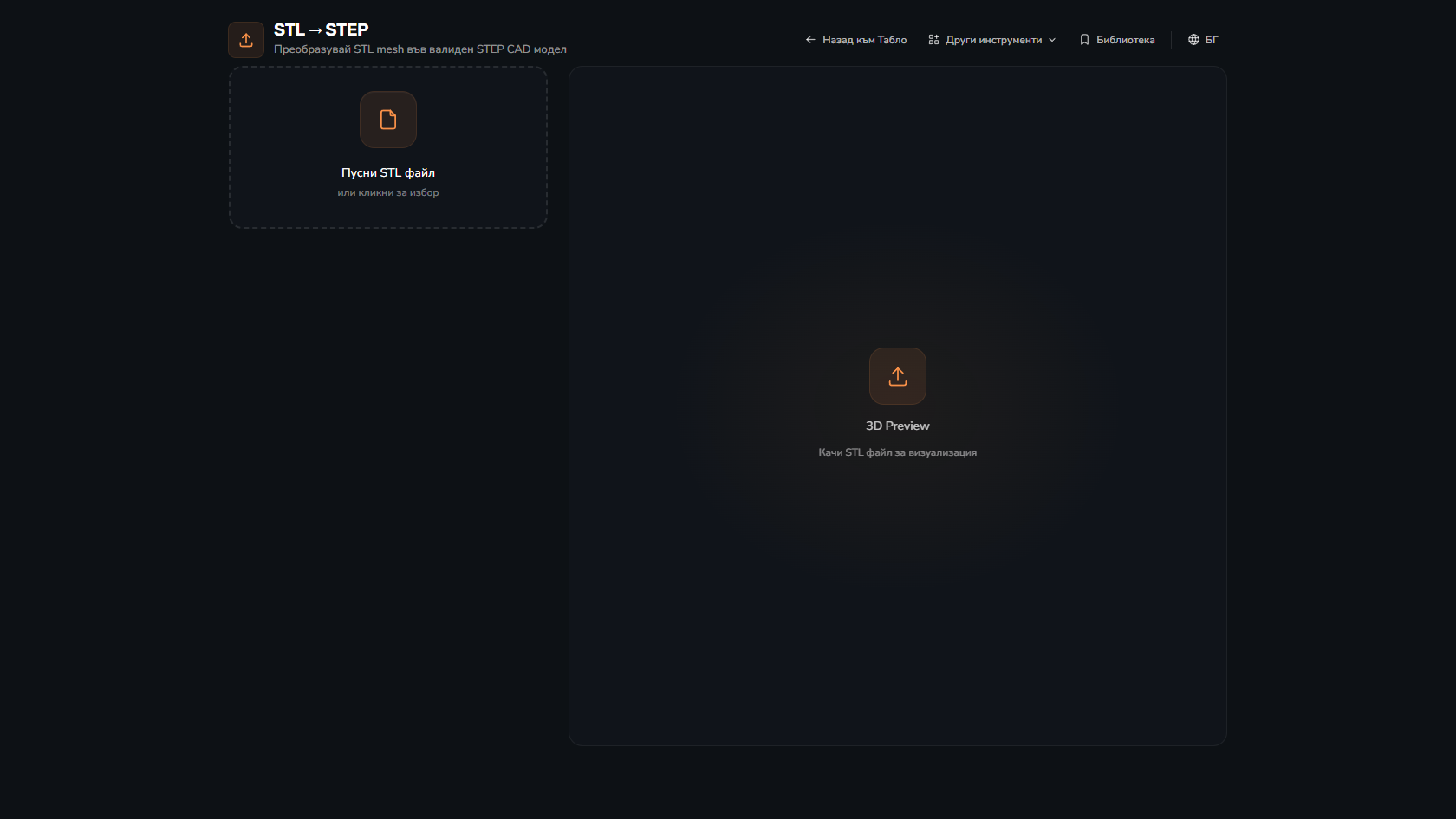
Cylinders, holes, planes, fillets, chamfers - the algorithm identifies and reproduces them as parametric features.
After conversion - diagnostics on what was recognized correctly and where there might be issues.
STEP AP203 + AP214 - works with all major CAD systems.
Mesh with several objects splits into multi-body STEP with proper relations.
Tolerance settings - for precise engineering needs or fast approximation.
IGES, X_T (Parasolid), STEP - for all major CAD formats.
Scan a physical part → ready CAD file for modified versions.
Downloaded STL from Thingiverse, want to modify in CAD - convert first.
Competitor product scanned → STEP for analysis or improvement.
Educational for CAD classes - real use of mesh-to-parametric.
A physical-book code gives Pro access for 90 days; the PDF edition - for 30 days.
For geometric forms (cylinders, planes, holes) - 95%+. For organic forms (complex surface) - 80%+, requires manual cleanup.
Up to 500MB STL (about 10M triangles). Above that - we recommend pre-decimation.
SolidWorks, Fusion 360, Inventor, Catia, NX, Creo, FreeCAD, OnShape, Rhino.
No - processing is client-side for privacy. Files never leave your browser.
The Big Book of 3D Printing includes 90 days of Pro access to every instrument with the physical book's code - 30 days with the ebook. Calculators, wizards, comparisons, generators, and more.
Get the book