
How do I get access?
A physical-book code gives Pro access for 90 days; the PDF edition - for 30 days.
One click - ready tower for calibration
Don't know exactly how to calibrate temperature, retraction, speed? AutoTowers generates STL + G-code for dozens of calibration towers - temp tower, retraction tower, speed tower, flow tower, fan tower, retract speed, linear advance, pressure advance. With automatic G-code commands for parameter changes on every floor.
Available with the Pro plan (15 EUR per month). The printed book includes 3 months of Pro.
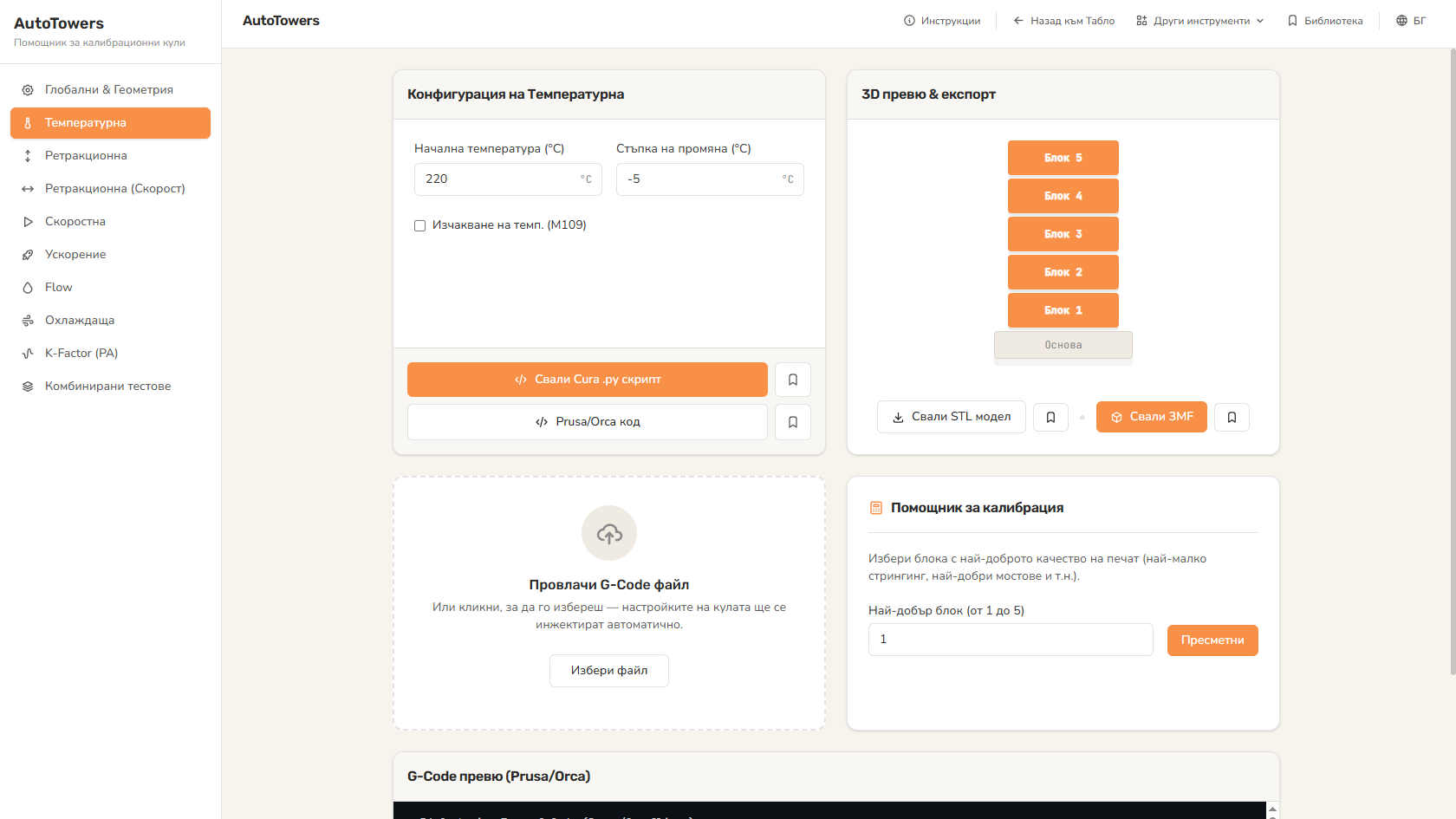
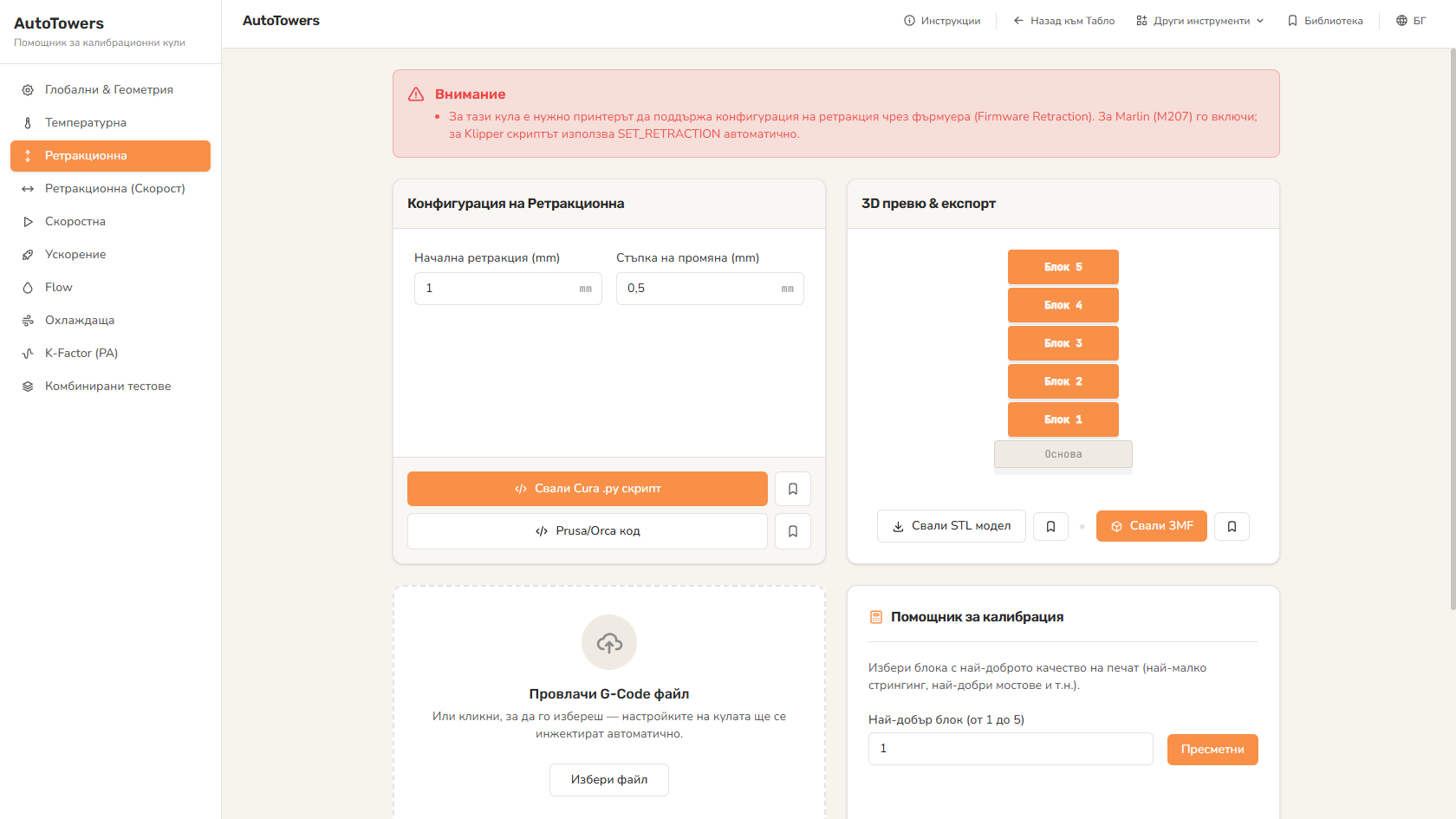
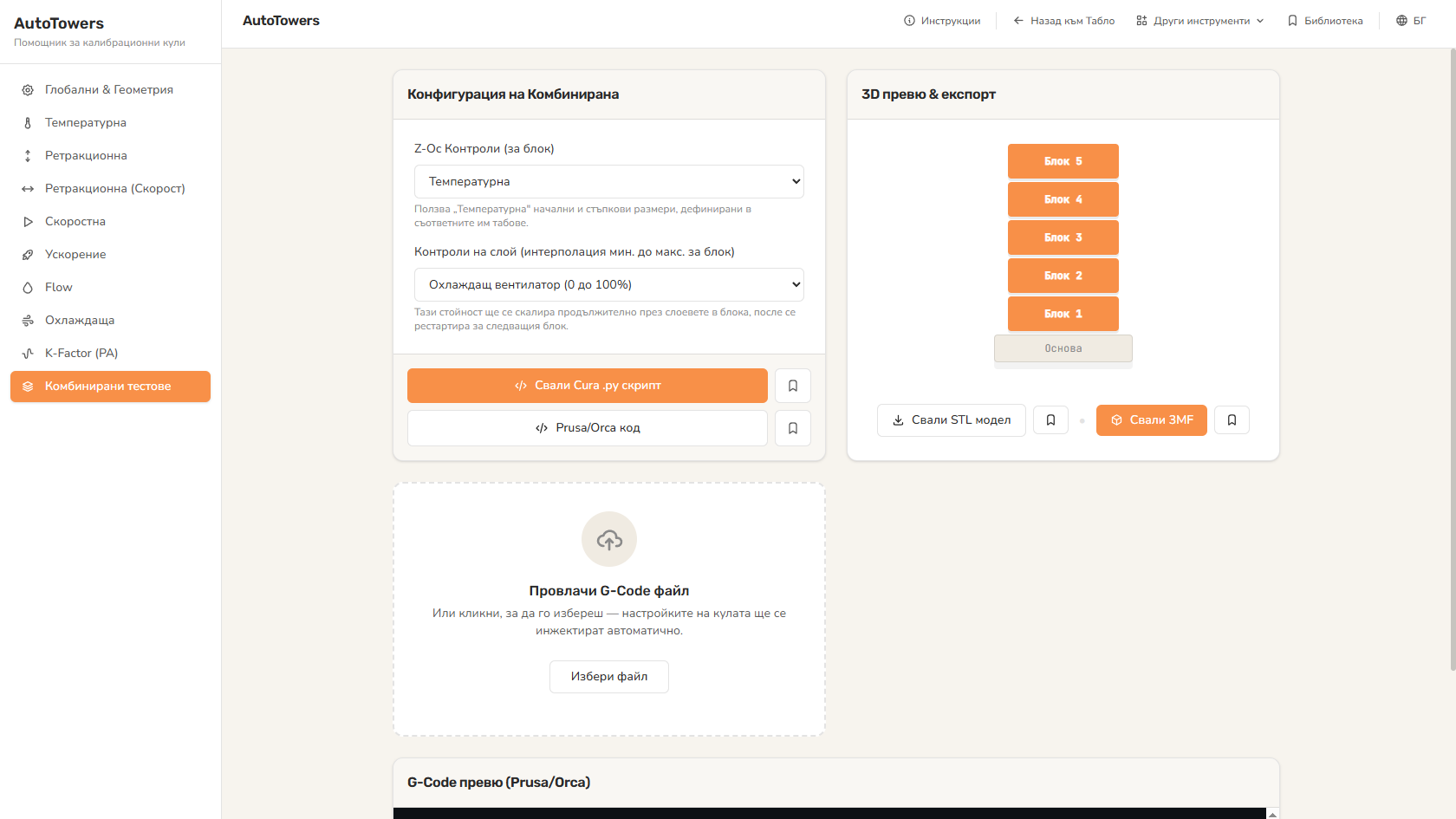
Temperature, retraction (distance + speed), flow rate, print speed, fan/cooling, linear advance, pressure advance, K-factor, jerk, acceleration, wall count, retraction speed.
Not just STL - but ready G-code with correct parameter changes on every floor. You don't touch the slicer by hand.
Pick a printer from 1004 models - sizes and parameters auto-adapt.
PrusaSlicer, Bambu Studio, Cura, Orca - compatible G-code with the right syntax.
Standard presets or your own values.
STL + G-code in a zip - one download.
Calibration from scratch - temp tower of new PLA in 30 minutes.
Calibration of every new filament - standardized process, same result every time.
Pressure advance, linear advance, k-factor - for reaching the limit of your printer.
Educational - what each parameter does on the physical print.
A physical-book code gives Pro access for 90 days; the PDF edition - for 30 days.
15+ as of 2026-05. Growing with 1-2 new monthly.
PrusaSlicer (all 2.0+ versions), Bambu Studio, Cura 5+, Orca 1.5+. For older versions - generic G-code (no specific features).
Most often - you don't have the right slicer profile. AutoTowers generates stock G-code, if your profile is heavily modified, there may be conflicts.
Yes - custom expression mode allows any G-code command on each floor.
The Big Book of 3D Printing includes 90 days of Pro access to every instrument with the physical book's code - 30 days with the ebook. Calculators, wizards, comparisons, generators, and more.
Get the book