
How do I get access?
A physical-book code gives Pro access for 90 days; the PDF edition - for 30 days.
Profile from one slicer → another slicer
Got calibrated profiles in PrusaSlicer but migrating to Orca? Don't start from scratch. This translator converts settings between slicers - PrusaSlicer ↔ Bambu Studio ↔ Cura ↔ Orca ↔ SuperSlicer.
Available with the Pro plan (15 EUR per month). The printed book includes 3 months of Pro.
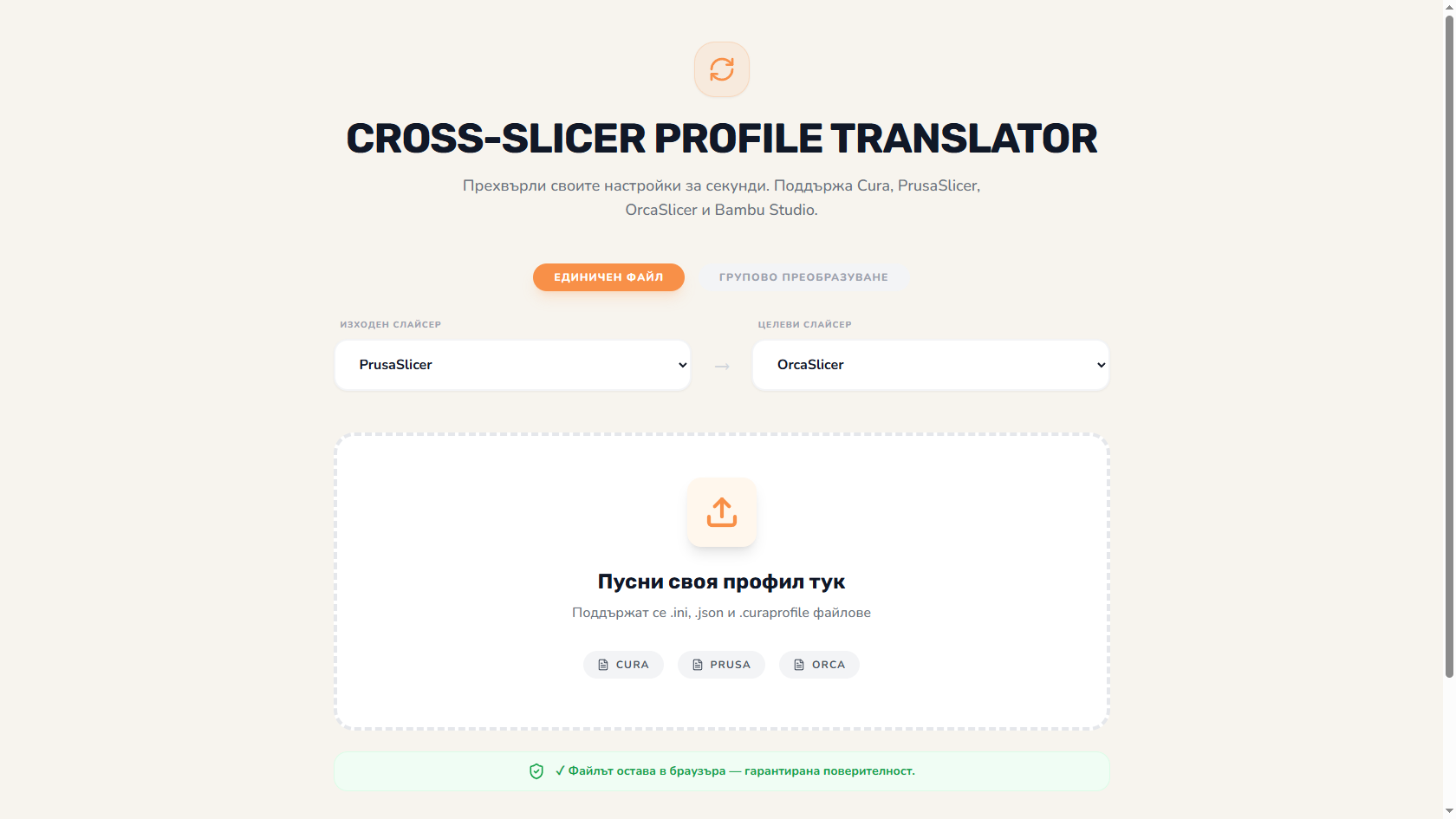
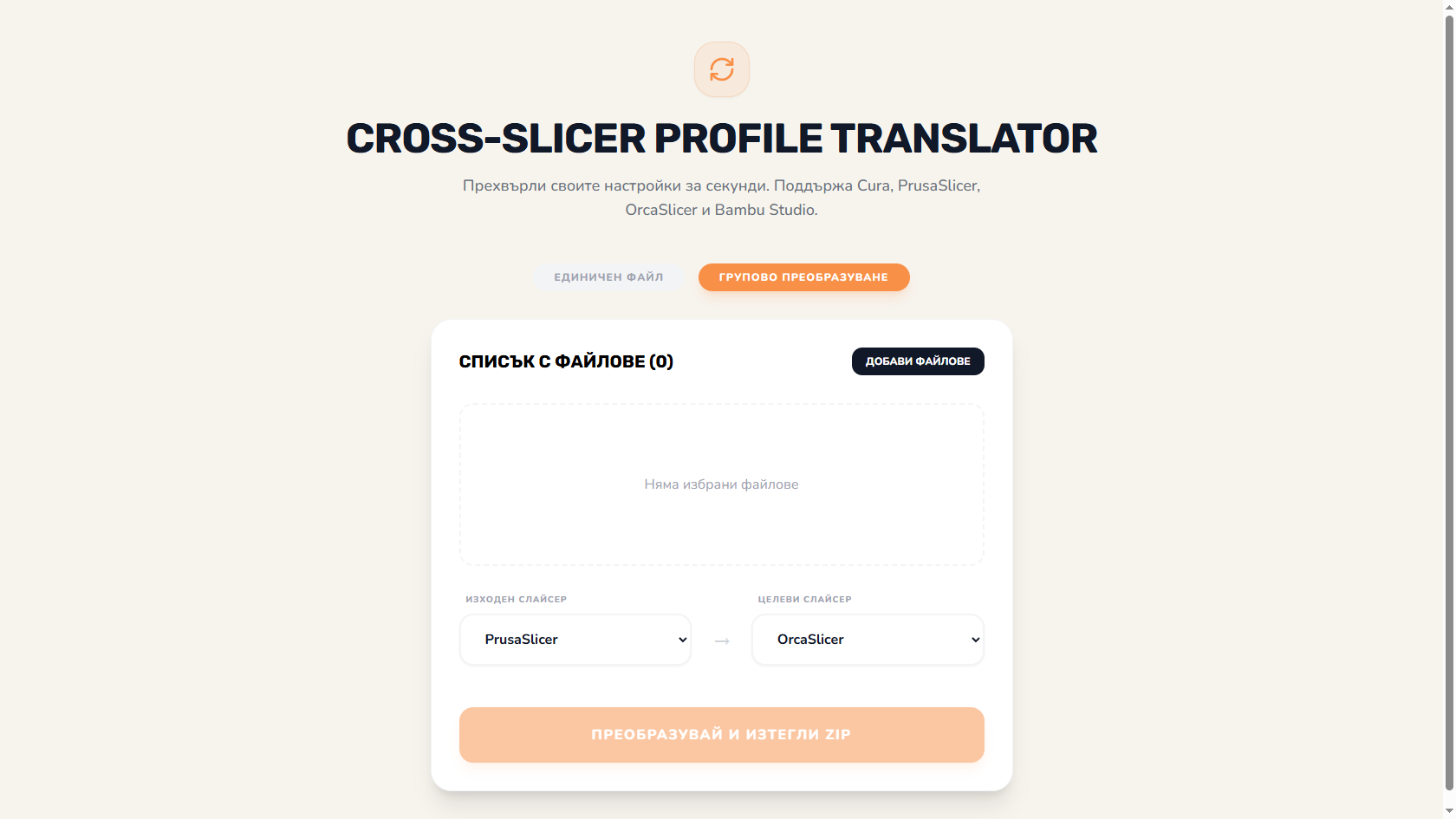
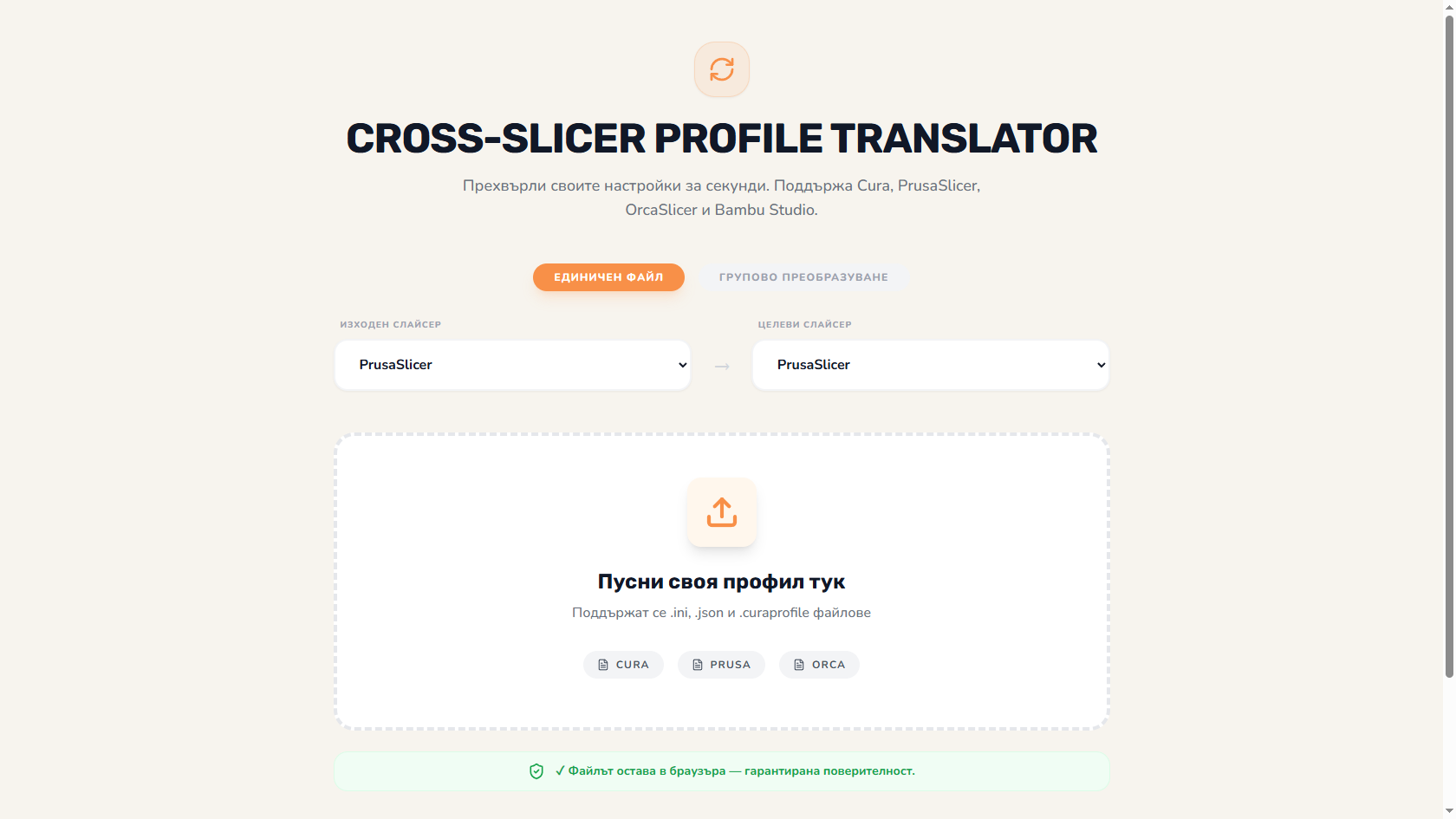
Conversion in both directions between any 2 slicers. Not just export - full translation of named settings.
Each setting - with rating Direct (1:1), Mapped (eq formula), Unmapped (manual review). You see what's certain and what isn't.
Shows before/after - what's changing and why. For validation before commit.
Convert a whole bundle of print/filament/printer profiles at once.
Save all conversions - easy reuse for new materials.
Ready .ini/.json/.cfg for the target slicer. Drag-and-drop import.
Switching from PrusaSlicer to Orca? 10 years of calibrated profiles - don't restart.
Client brings Bambu Studio profile - convert to your Cura for unified workflow.
Comparing slicers - profiles must be identical for a fair comparison.
Voron in Klipper, Bambu in Bambu Studio - transfer material profiles between them.
A physical-book code gives Pro access for 90 days; the PDF edition - for 30 days.
PrusaSlicer 2.5+, Bambu Studio 1.5+, Cura 5+, Orca 1.5+, SuperSlicer 2.4+. As of 2026-05.
85-95% between sibling slicers (PrusaSlicer ↔ Orca, both based on Slic3r). 70-80% between different families (PrusaSlicer ↔ Cura).
Because they don't have point-to-point equivalents. E.g. "dynamic overhang speed" in Orca doesn't exist in Cura - needs manual approximation.
No - processing is client-side. Files never leave your browser.
The Big Book of 3D Printing includes 90 days of Pro access to every instrument with the physical book's code - 30 days with the ebook. Calculators, wizards, comparisons, generators, and more.
Get the book