
How do I get access?
A physical-book code gives Pro access for 90 days; the PDF edition - for 30 days.
Photo of first layer → ready correction
First layer determines everything. Elephant close to the bed - squish and noisy. Far - ragged and zero adhesion. This tuner analyzes a photo/video of your first layer and tells you exactly - Z-offset up, flow down, temp +5°C. No guessing.
Available with the Pro plan (15 EUR per month). The printed book includes 3 months of Pro.
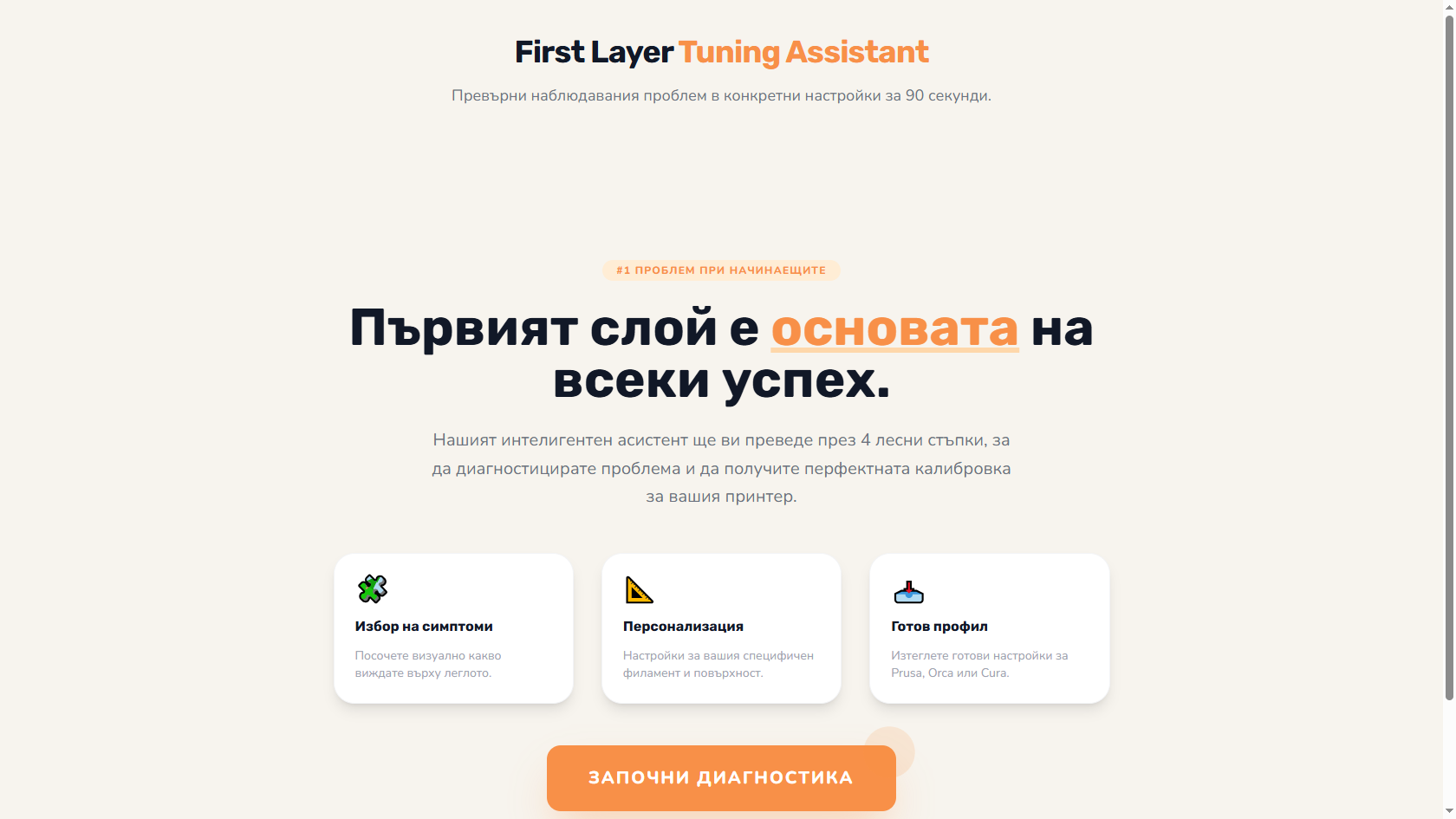
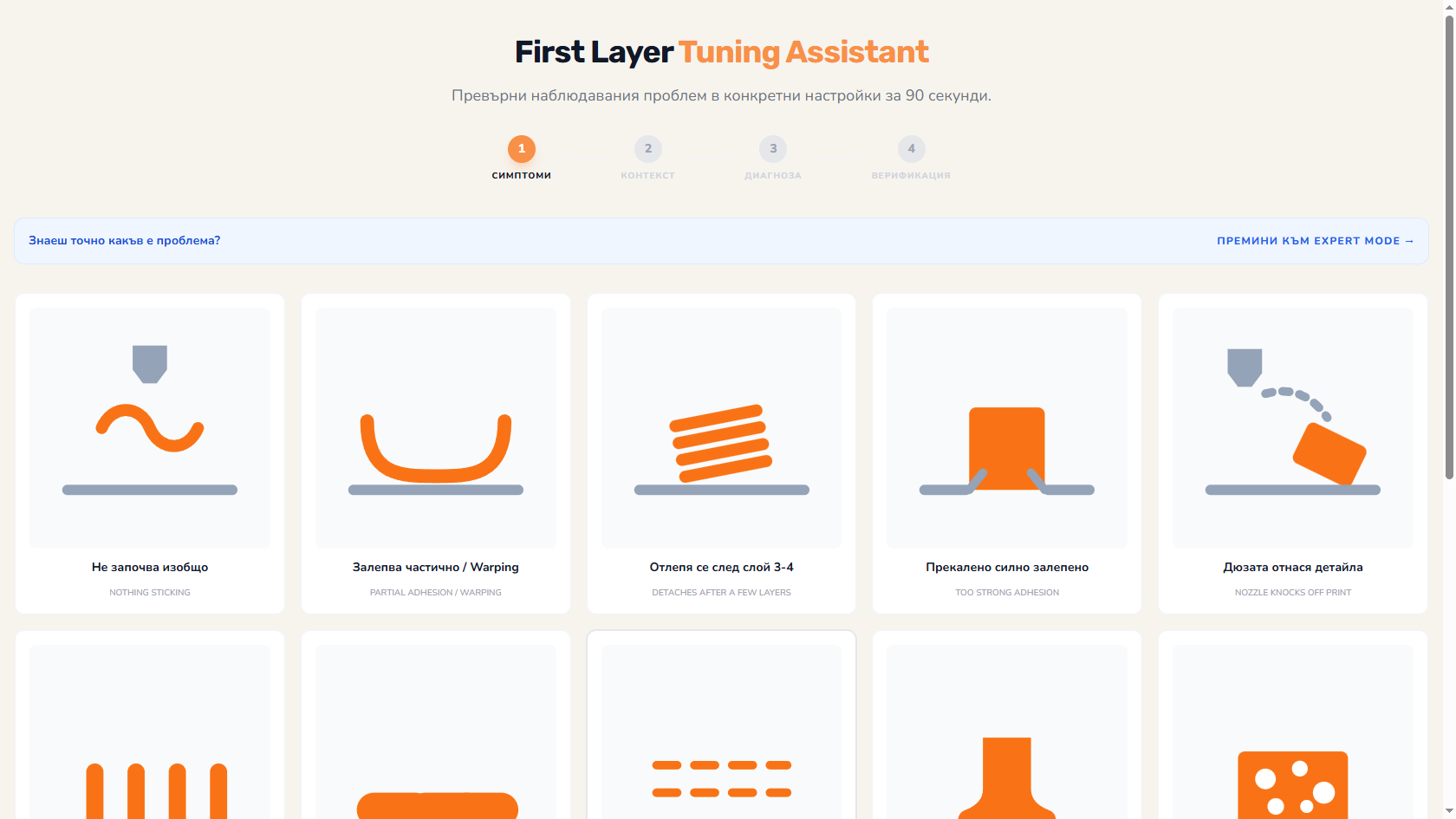
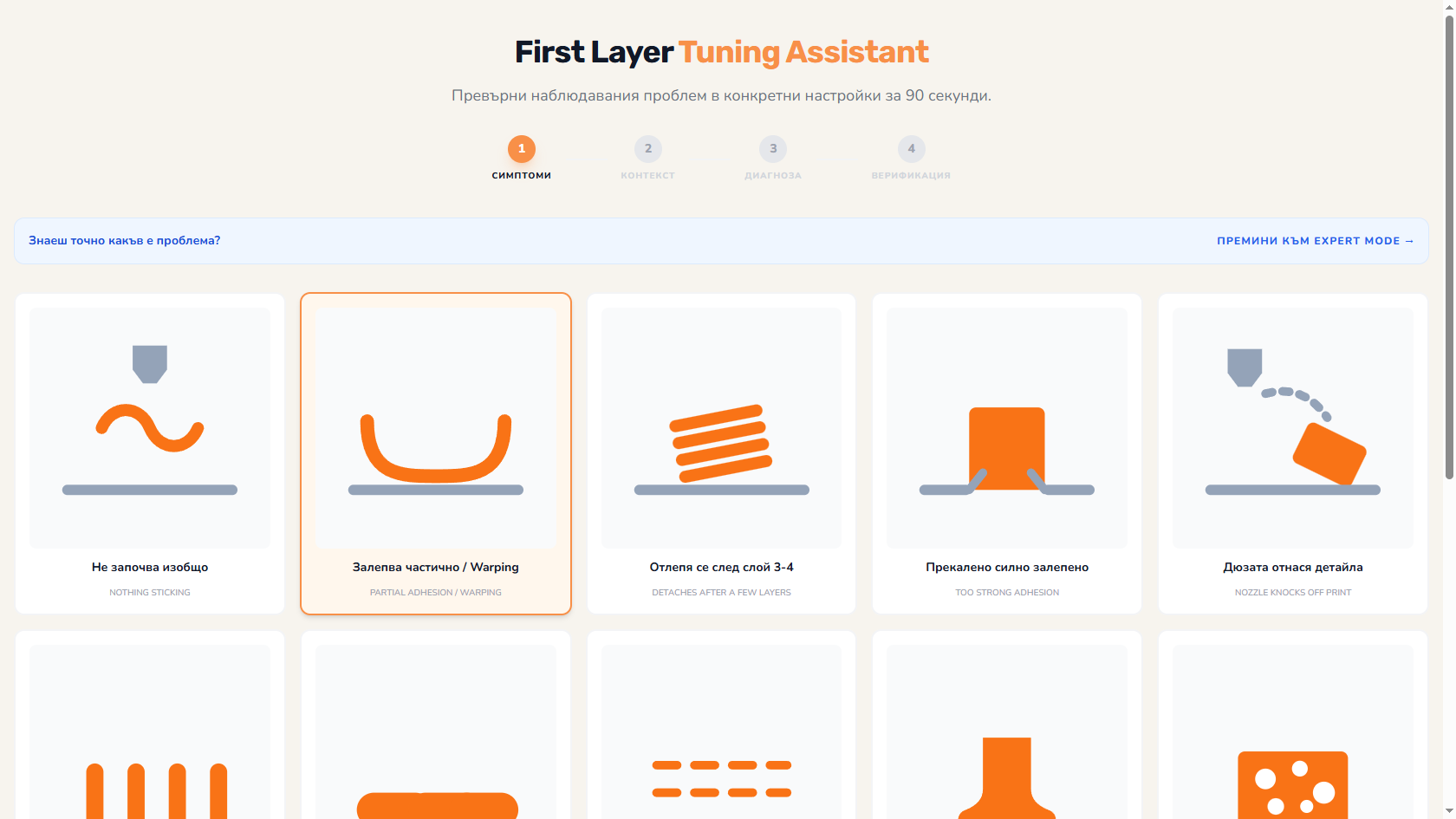
Upload photo/video of first layer - AI identifies 10+ typical problems in seconds.
Not "try more squish" - but "Z-offset -0.02mm, flow 95%, speed 30%".
FDM (Marlin, Klipper, Bambu firmware), SLA (vendor firmware). Different commands for each.
After several calibrations - see how your hardware changes. Cleaning bed, nozzle wear, axis alignment.
PLA, PETG, ABS, ASA, TPU - each with different first-layer characteristics.
Ready G-code for first layer calibration (with automatic mesh).
First layer is the #1 source of failed prints. Fast diagnosis without months of trial.
Different filament = different first-layer needs. 10-minute calibration.
Multiple printers - standardized calibration across all.
Educational - what makes a first layer come out well.
A physical-book code gives Pro access for 90 days; the PDF edition - for 30 days.
~93% accuracy for typical problems. For exotic case - needs description plus photo.
No - analysis is client-side. EXIF auto-stripped.
On new filament, new bed setting, or after 1000+ print hours. With this tool - 10 minutes each time.
The Big Book of 3D Printing includes 90 days of Pro access to every instrument with the physical book's code - 30 days with the ebook. Calculators, wizards, comparisons, generators, and more.
Get the book