
How do I get access?
A physical-book code gives Pro access to all instruments for 90 days; the PDF edition - for 30 days.
Slicers, CAD and simulation - which one for what
Slicers: PrusaSlicer, Bambu Studio, Cura, Orca, SuperSlicer. CAD: Fusion, SolidWorks, FreeCAD, OnShape. Simulation: Simufact, Ansys Additive. Compare them by features, price, use case - and pick based on your workflow.
Available with the Pro plan (15 EUR per month). The printed book includes 3 months of Pro.
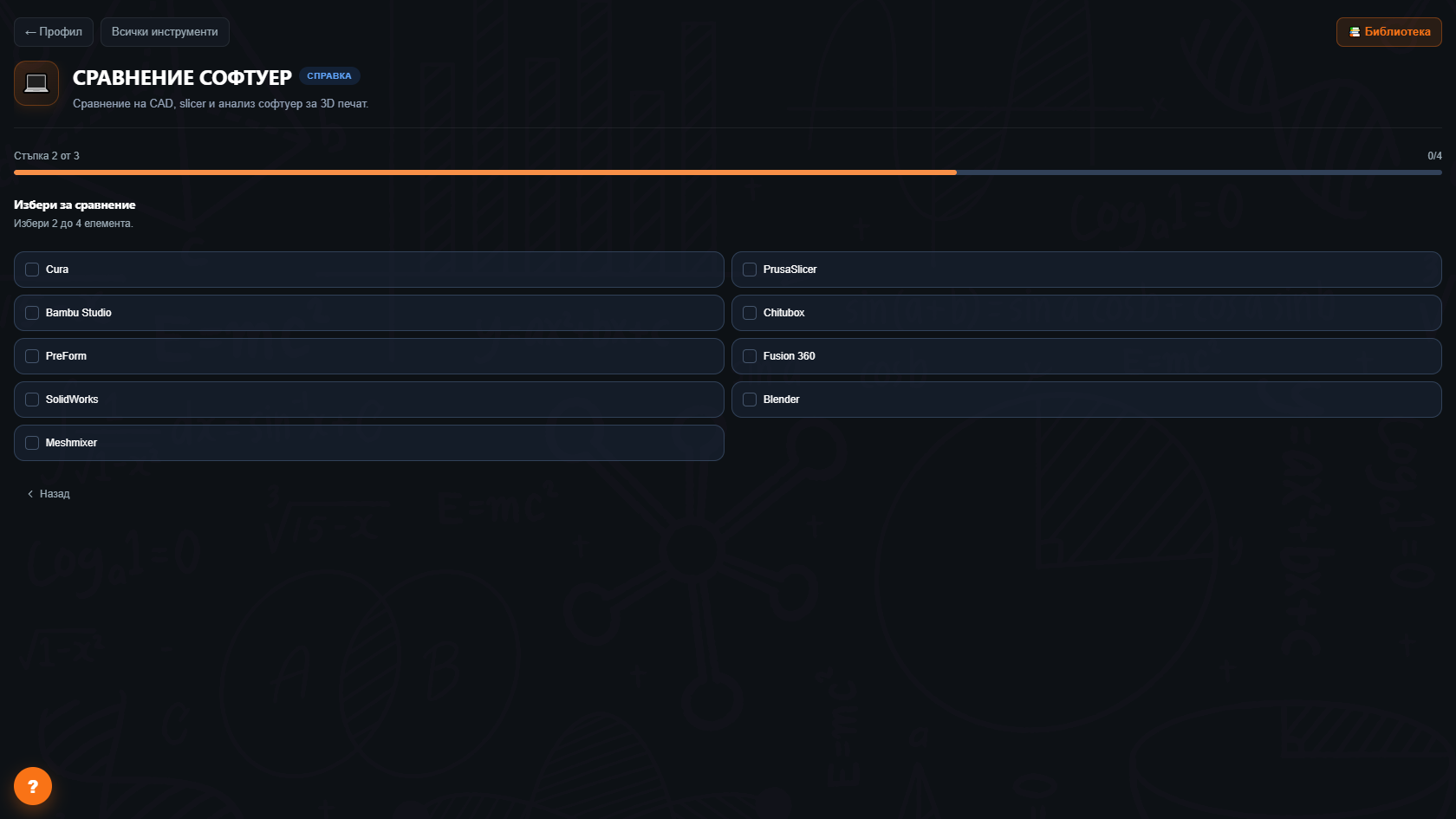
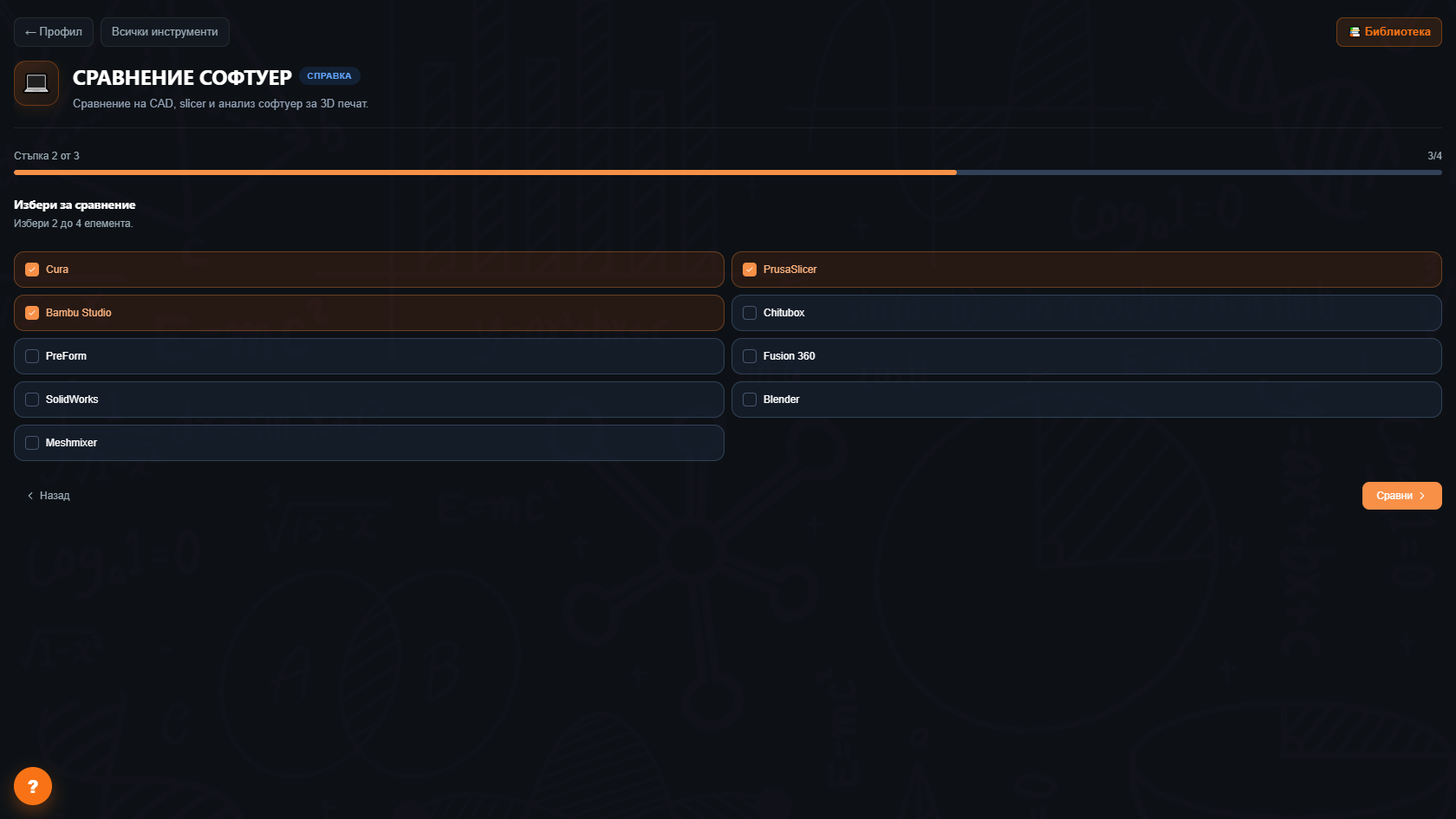
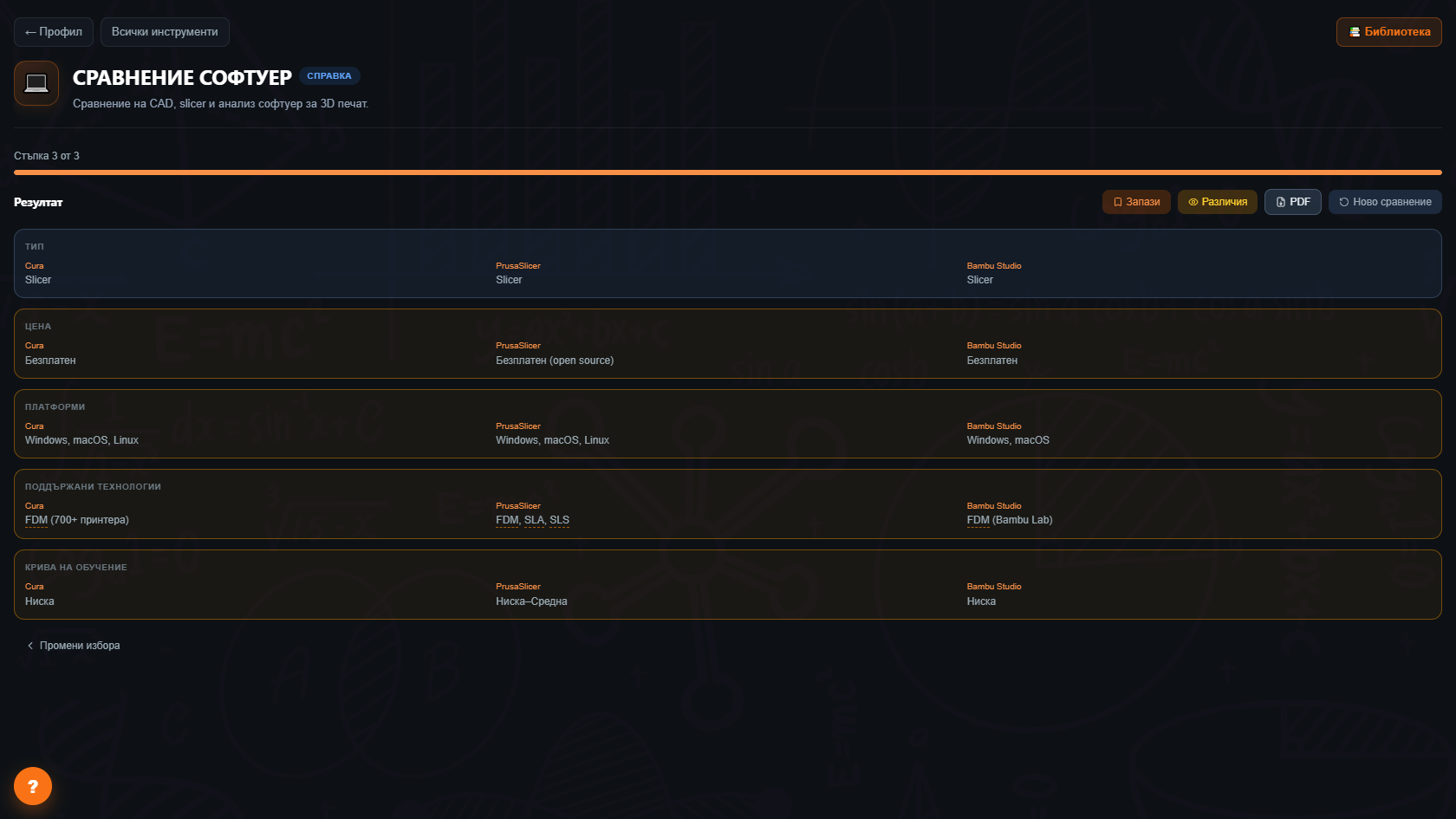
Slicers (10), CAD/CAM (8), simulation (5). Free, subscription, enterprise.
Compare within a type (slicer vs slicer) or hybrid (slicer vs slicer with built-in CAD).
For each tool - when it fits best. PrusaSlicer for hobby, Orca for multi-material, Cura for enterprise.
Free vs paid, perpetual vs subscription, educational discount, hobby vs commercial.
Windows, macOS, Linux, web-based, mobile companion app. See which runs on your machine.
Download the comparison for client, report or teaching material.
Which slicer for the first time? PrusaSlicer or Cura? Compare and pick.
From SolidWorks to Fusion 360? Which features you lose, which you gain.
Which free CAD for class? Compare Tinkercad, FreeCAD and Fusion 360 Student.
Recommend the client which slicer to test for their files.
A physical-book code gives Pro access to all instruments for 90 days; the PDF edition - for 30 days.
23+ as of 2026-05:10 slicers, 8 CAD/CAM, 5 simulation tools.
Yes, updated monthly. Major releases (PrusaSlicer 3.0, Bambu Studio 2.0) land within 2 weeks.
Too basic - doesn't cover the needs of a serious user. For hobby see Tinkercad.
Yes, in your personal library.
The Big Book of 3D Printing includes 90 days of Pro access to every instrument with the physical book's code - 30 days with the ebook. Calculators, wizards, comparisons, generators, and more.
Get the book