COURSES FOR EXPLORERS
Start from the fundamentals
Hardware · materials · CAD · slicing · mechanics. Five structured courses with exercises, tests and cross-references to the Big Book.
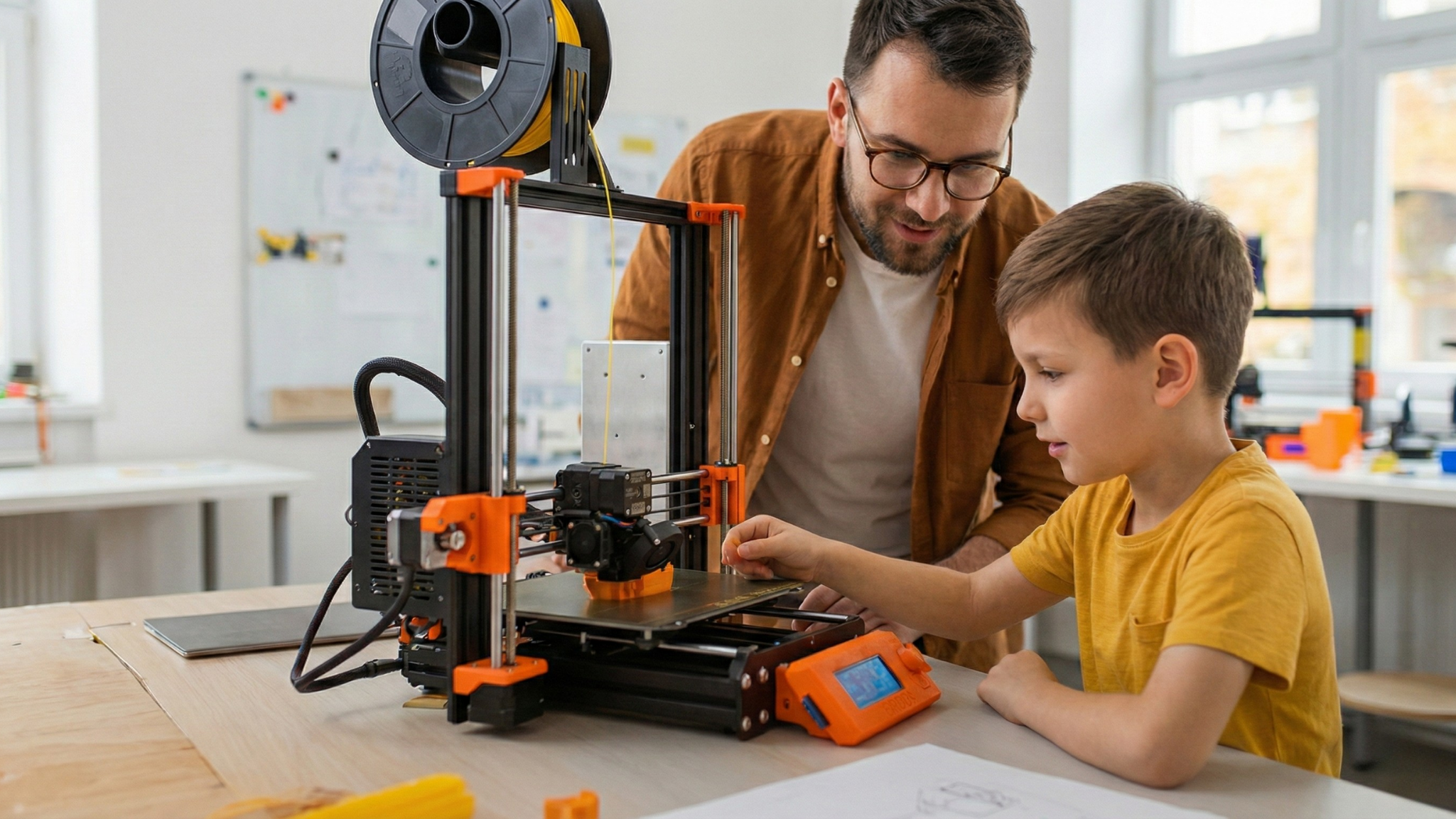
FDM 101: The basics of filament 3D printing
A full introduction to Fused Deposition Modeling (FDM/FFF), the most widespread 3D printing technology in the world. You will learn how the printer works, how to choose materials, how to slice, and how to solve the 10 most common faults.
5 modules
10 lessons
20 exercises
What you will learn ↓
- ✓Understanding the ISO/ASTM 52900 definition of Material Extrusion (MEX)
- ✓Identifying the parts of an FDM printer: frame, extruder, hotend, nozzle, bed
- ✓Choosing a material to suit the application (PLA, PETG, ABS, ASA, TPU, Nylon, PC, PEEK)
- ✓Preparing an STL or 3MF file in a slicer (PrusaSlicer, Bambu Studio, OrcaSlicer, Cura)
- ✓Calibrating the bed and Z-offset for a perfect first layer
- ✓Diagnosing and solving the 10 most common FDM problems
- ✓Applying DfAM rules for strong, printable parts
This course is taught in Bulgarian. The lesson preview, the exercise and the quiz are available in the Bulgarian version.
See the whole course →
Free preview · buy with the book or a subscription
MAT 101: PLA and PETG in depth
The two materials that cover 90% of FDM work. You will learn the chemistry behind them, how to read a datasheet, when to choose which, how to calibrate temperature, and how to store filament properly.
5 modules
10 lessons
20 exercises
What you will learn ↓
- ✓Understanding the difference between a thermoplastic, a thermoset and an elastomer
- ✓Glass transition temperature (Tg) and why it determines the applications
- ✓Hygroscopicity: what it is and how to deal with it
- ✓PLA: chemistry, bio-origin, variants (PLA+, Silk, Wood, Carbon)
- ✓PETG: how it differs from PET, glycol modification, food-safe certification
- ✓Temperature calibration with a temperature tower
- ✓Storing filament properly: silica gel, dry box, drying
This course is taught in Bulgarian. The lesson preview, the exercise and the quiz are available in the Bulgarian version.
See the whole course →
Free preview · buy with the book or a subscription
CAM 101: The magic of the slicer
A 3D printer does not understand 3D models; it understands coordinates. The slicer is the bridge. You will learn to read G-code, to set walls, infill and supports like a professional, and how the 4 leading slicers compare.
5 modules
10 lessons
20 exercises
What you will learn ↓
- ✓Understanding what G-code is and how to read it
- ✓Comparing PrusaSlicer, Bambu Studio, OrcaSlicer and Cura
- ✓Walls, top and bottom layers, infill: strength against weight
- ✓Supports: when, which type, and how to minimize them
- ✓Multicolor and multi-material printing: AMS, MMU3, IDEX
- ✓Calibration tests in the slicer: flow, pressure advance, retraction
- ✓Exporting G-code and transferring it to the printer
This course is taught in Bulgarian. The lesson preview, the exercise and the quiz are available in the Bulgarian version.
See the whole course →
Free preview · buy with the book or a subscription
CAD 101: Parametric modeling with Fusion 360
From an idea to a 3D model ready to print. Fusion 360 is the standard for engineering CAD in 2026, and free for hobbyists and education. You will learn sketches, features (Extrude, Revolve, Sweep, Loft), parameters, assemblies and export for 3D printing.
5 modules
10 lessons
20 exercises
What you will learn ↓
- ✓Understanding parametric CAD against mesh modeling and plain drawing
- ✓The coordinate system and work planes (XY, XZ, YZ)
- ✓Sketches: lines, circles, dimensions, constraints
- ✓Features: Extrude, Revolve, Sweep, Loft, Fillet, Chamfer
- ✓Parameters: user parameters for easy changes
- ✓Assemblies: joints, motion, interference checking
- ✓Exporting STL, STEP and 3MF, and when to use which
This course is taught in Bulgarian. The lesson preview, the exercise and the quiz are available in the Bulgarian version.
See the whole course →
Free preview · buy with the book or a subscription
MECH 101: Fasteners and joints
How to join 3D printed parts professionally. Heat-set inserts, snap-fits, living hinges, threaded inserts and adhesive joints: every type of joint with its advantages and its drawbacks.
5 modules
10 lessons
20 exercises
What you will learn ↓
- ✓Why plastic threads fail on FDM: anisotropy and interlayer delamination
- ✓Heat-set inserts: standards, hole sizes and installation
- ✓Snap-fit joints: types and force calculations
- ✓Living hinges: design rules and materials
- ✓Adhesive joints: which glue for which material
- ✓Alternatives to threaded inserts: tapping, helical inserts, captive nuts
- ✓Tolerances on FDM: values for a loose, a close and an interference fit
This course is taught in Bulgarian. The lesson preview, the exercise and the quiz are available in the Bulgarian version.
See the whole course →
Free preview · buy with the book or a subscription